
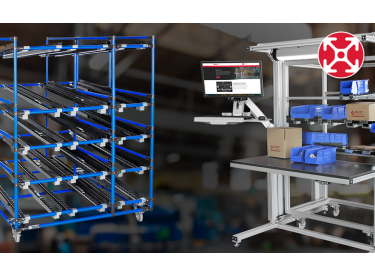
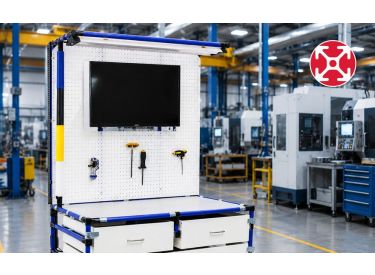

What Is ESD? Basics for Safer 80/20 Workstations
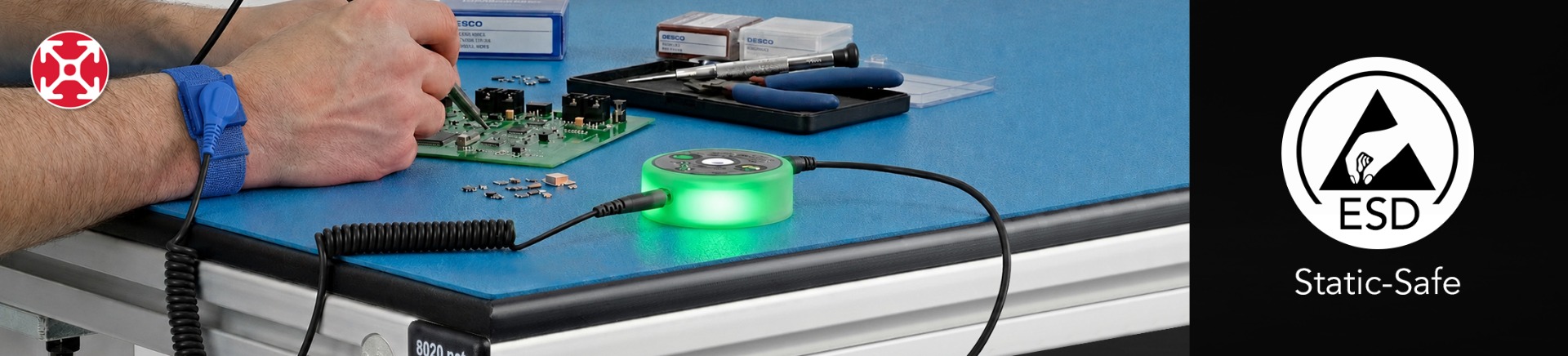
ESD 101: Basics Every 80/20 User Should Know
1. What Is ESD? A Guide for Safer Workstations with 80/20
Electrostatic Discharge (ESD) occurs when a small electrical charge flows between two objects with different charges, like the small shock someone feels after walking across a carpet and touching a metal doorknob.
This small electrical charge can lead to immediate and latent failures of electrical components, leading to high warranty returns, high rework costs, and safety risks for customers and manufacturing employees.
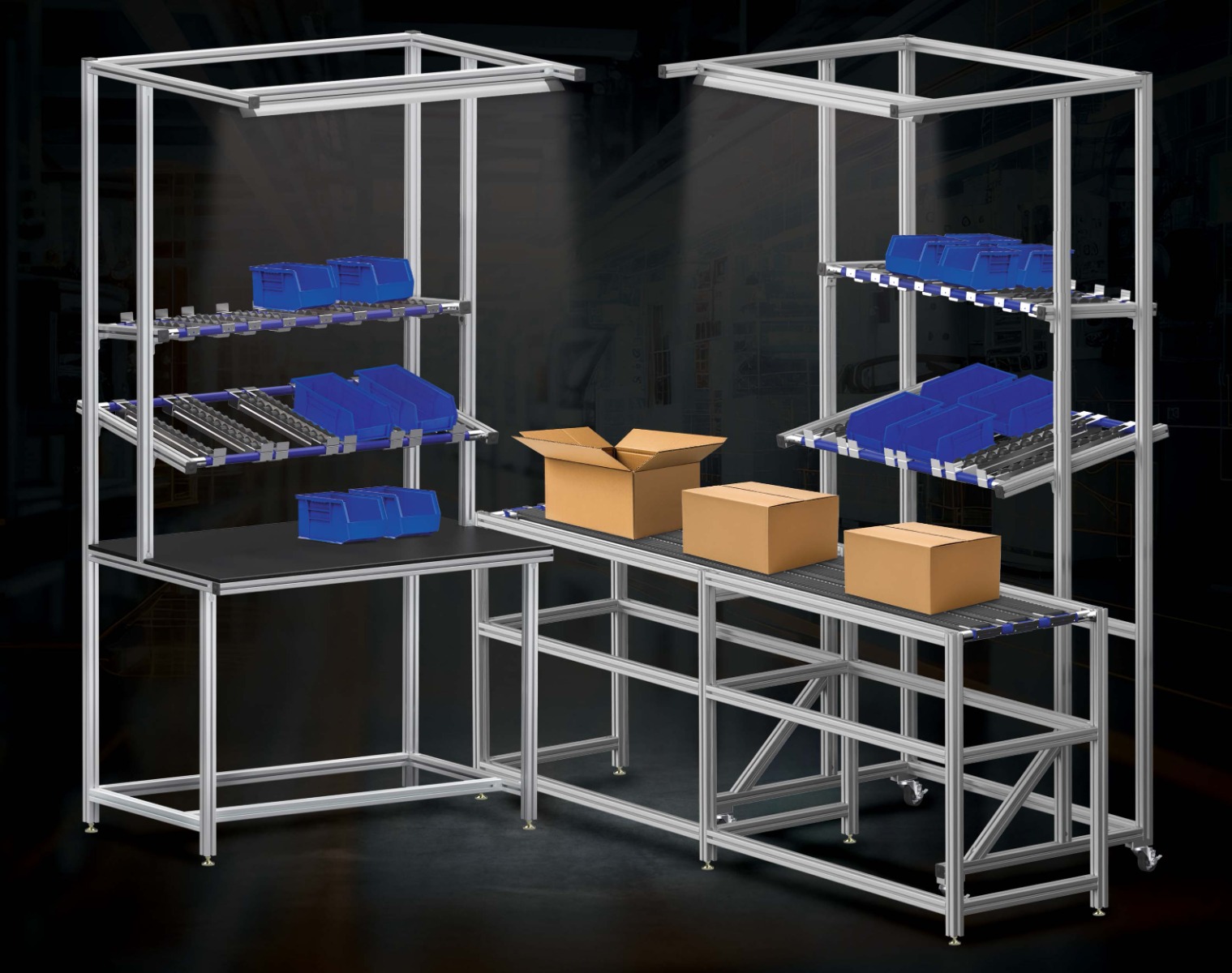
You don’t need to be an electrical engineer to benefit from this field guide. It is ideal for employees in manufacturing environments who design and assemble their own workstations using 80/20 T-Slot Aluminum Profiles and supporting accessories.
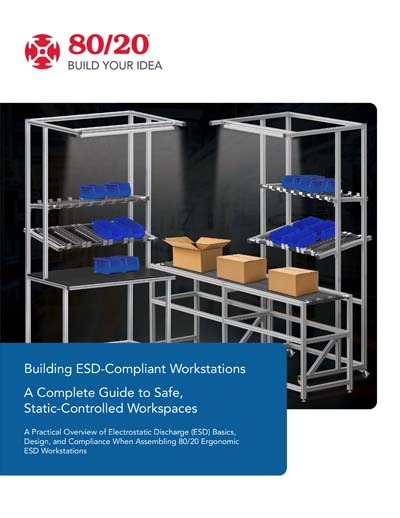
Read More in the ESD-Compliant Workstations Guide
This step-by-step guide outlines how to build ESD-compliant workstations by treating the entire production line as a unified Electrostatic Protected Area (EPA). Achieving compliance requires integrating static-safe materials—specifically dissipative surfaces, personal grounding components and ESD-compliant products. Download the guide and get started.
What is ESD in Manufacturing?
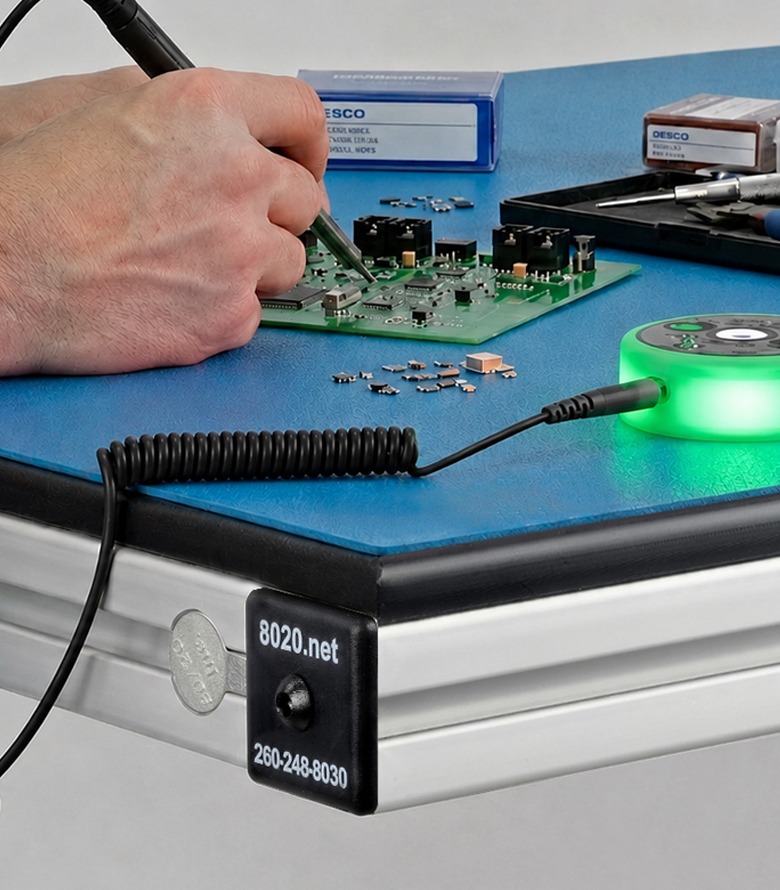
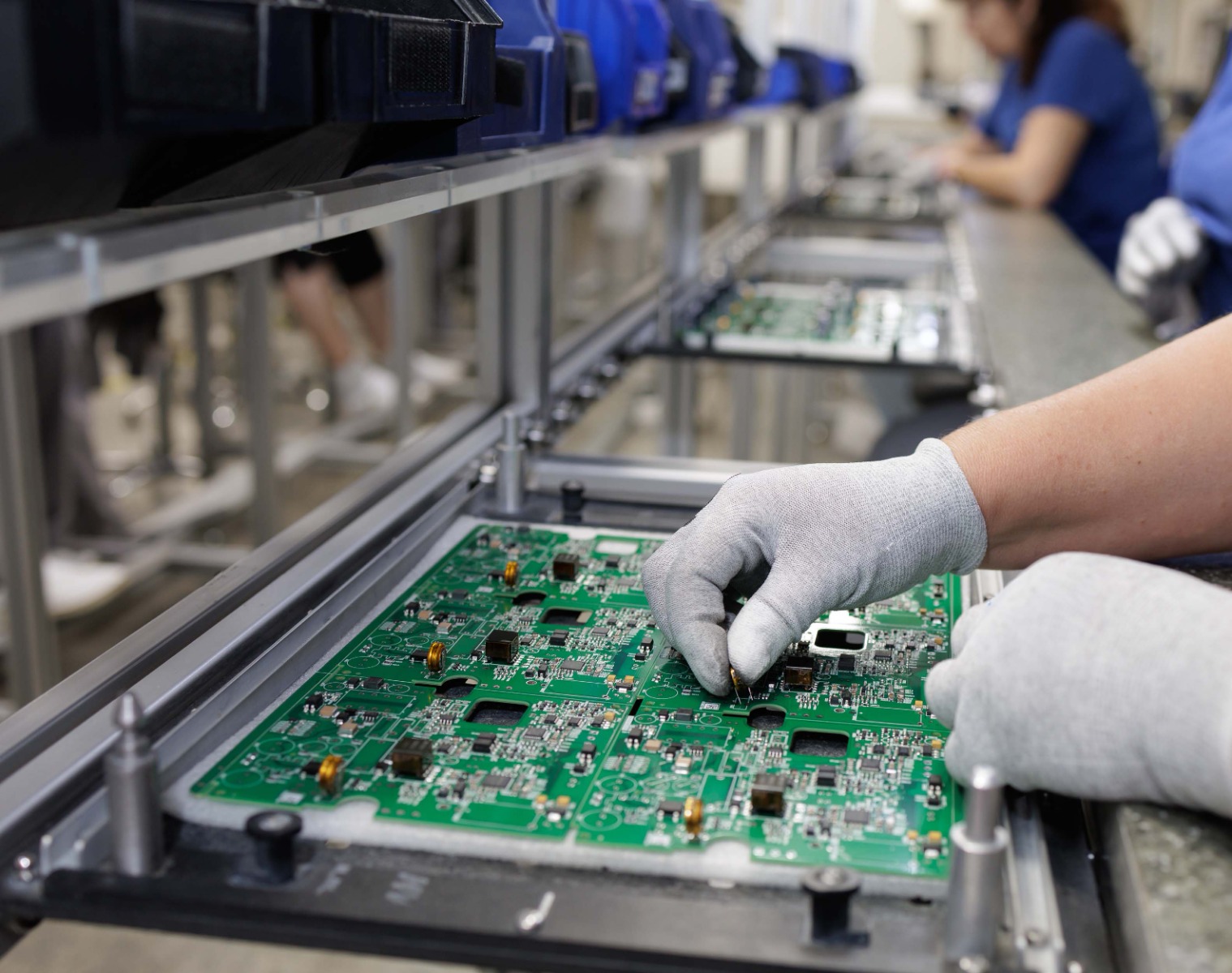
Any sudden discharge of static electricity can severely damage electronic components. ESD in electronics manufacturing means manufacturers must design ESD-safe workstations to ensure their employees and technicians are properly grounded. This involves using grounded mats, wrist straps, and ESD clothing to eliminate tiny electrical charges that could damage electrical components.
Whether handling electrical boards, assembling electrical components within integrated assemblies, or even testing those assemblies, guarding against ESD is an absolute must in electronic manufacturing.
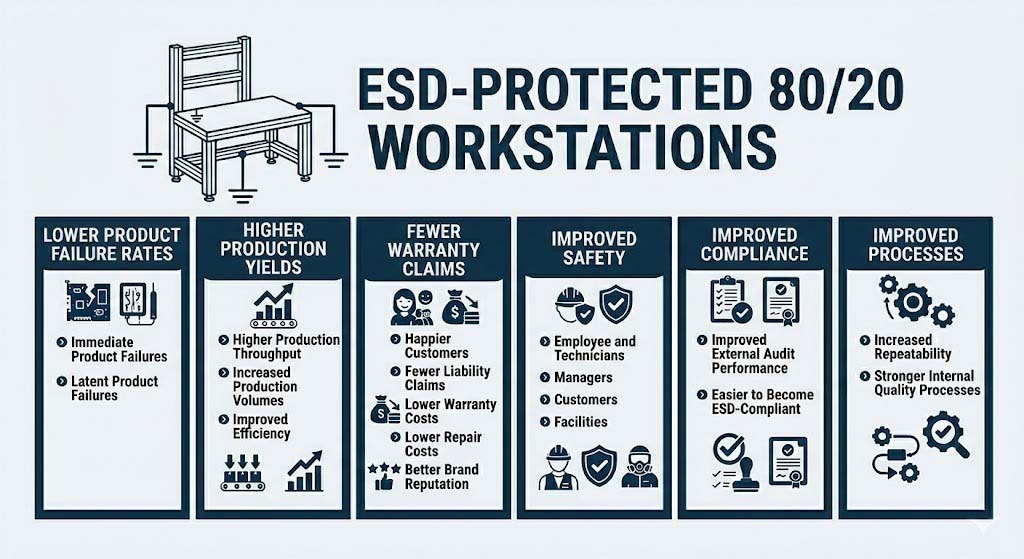
Failures aren’t always immediately captured during assembly or testing. ESD basics state that latent failures occur in electronic components long after they have been shipped to customers. Latent failures represent high costs for warranty repairs and rework, and also pose safety risks to customers, leading to expensive liability claims.
Why ESD Protection Matters
It’s not just about ensuring you have ESD-safe workbenches; it’s ultimately about having 80/20 ESD-compliant workstations. Compliance comes from having a third-party testing laboratory do independent testing on your 80/20 workstation to ensure adherence to industry standards.
Ensuring product reliability is another all-important reason protect against ESD in electronics manufacturing. ESD issues reduce production yields, increase costs, reduce productivity, and lower production volumes. All are serious costs.
Safety is another reason. Manufacturing facilities with flammable environments that assemble integrated electronic assemblies could experience serious fires caused by what would otherwise be considered minor electrical shocks.
2. ESD-Safe Materials (Conductive vs Dissipative vs Insulative)
Three essential material categories are essential when assembling 80/20 ESD-safe workbenches. What is ESD protection, and how do these materials help? The materials are defined as conductive, dissipative, and insulative materials. Each plays a vital role in how they control or don’t control static electricity.
Conductive Materials
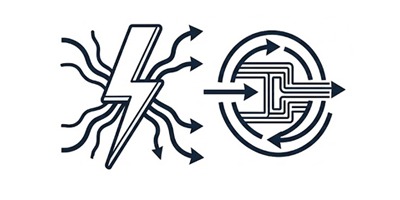
Conductive materials can conduct electricity because they have low electrical resistance. These materials quickly dissipate static electricity to grounded materials to prevent the electrical charges from building up.
Given that conductive materials can quickly discharge static electricity, they can sometimes release that electricity too quickly and ultimately damage sensitive electrical components and assemblies.
-
Conductive materials have low electrical resistance
-
Conductive materials allow electrical charges to flow easily
-
Fast discharge can damage electrical components

Dissipative Materials
Dissipative materials have higher electrical resistance than conductive materials, so they have greater control over how electrical charges flow. Dissipative materials are typically used to make ESD mats, flooring platforms and mats, work surfaces, and exterior panels as they help to provide essential protection against electrical discharge.
While dissipative materials have higher electrical resistance than conductive materials, they have lower electrical resistance compared to insulative materials.
-
Dissipative materials have higher electrical resistance compared to conductive materials
-
Dissipative materials have greater control over electrical charges
-
The perfect middle ground and a material used for common mats and work surfaces.

Insulative Materials
These materials have the highest electrical resistance, meaning electrical charges can’t easily be discharged or dissipated. They hold the static electricity on the surface of the material. Common plastics and coatings are examples.
It is exactly because the charge can’t dissipate that it builds up the electrical charge to high levels. When discharge eventually happens, it releases that high charge onto electrical components. This is why it’s considered the enemy of ESD-sensitive areas.
-
Insulative materials have high electrical resistance, so electrical charges can’t dissipate
-
Longer buildup of electrical charges
-
Eventually, they discharge and release that high buildup of electrical charges.
Is 80/20 T-Slot Aluminum Automatically ESD-Safe?
While bare aluminum itself is conductive and can be used within ESD-safe workbenches, the 80/20 T-Slot Aluminum has an anodized surface layer. That anodized surface layer creates an insulating oxide layer, making the surface less conductive than raw aluminum.
When it comes to ESD in electronics manufacturing, don’t make the common mistake of assuming bare aluminium – or any bare metal – is ESD safe. The surface coating matters. As such, with its anodized layer, the 80/20 T-slot aluminum profiles are not automatically ESD-safe. To be considered ESD-safe, the 80/20 T-slot aluminum profiles must be grounded.
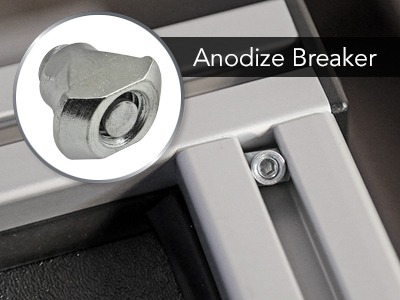
3. Grounding Basics for ESD-Safe Workstations
Grounding is a critical part of any ESD-safe workstation. Without proper grounding, a workstation won't pass third-party ESD-compliance testing.
How Grounding Makes or Breaks an ESD-Safe Workstation
All conductive and dissipative surfaces need a clear path to ground. Grounding allows the static electricity that has built up to safely leave. Without grounding, even conductive materials can retain electrical charges for too long, leading to unpredictable discharges that can quickly damage electrical components.
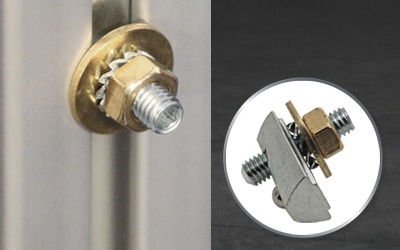
Ground Points / Bus Bars: Critical for providing common connections to the electrical ground so all ESD elements and materials are tied to the same point. 80/20 offers a grounding terminal.
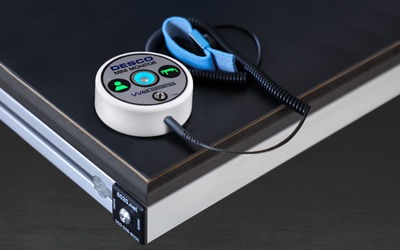
ESD Wrist Straps: Connects the manufacturing technician or operator to the ground and dissipates electrical buildup on their bodies.
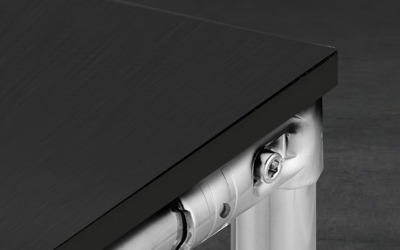
Grounded ESD mats, panels, and flooring: Essential for ensuring static electrical charges can safely dissipate to the ground.
Typical Grounding Chain in a Workstation
Any 80/20 ESD-safe workstation grounding chain should allow static electricity to travel safely from the technicians and operators within the workstation to the manufacturing facility’s electrical ground, which is ultimately the final location where a given electrical charge is dissipated.
The following chains are ESD basics. The first two chains listed below – Operator Grounded Path and Work Surface Grounding Path – refer to stand-alone 80/20 workstations. In this case, they cover the grounding requirements for a workstation made from 80/20 T-Slot Aluminum Profiles that is separate from other workstations and not connected to or near equipment.
Operator Grounding Path

Work Surface Grounding Path

Equipment Structure Grounding Path
The equipment structure grounding path specifically covers grounding requirements when an 80/20 workstation is integrated with existing machinery and equipment. In this case, the 80/20 framing or guarding of the equipment would be made from the 80/20 T-Slot Aluminum profiles, and that framing would be connected to the production equipment or machinery.

Full System Grounding Path
The final Full System ESD Grounding Path covers any stand-alone workstation or workstation connected to equipment and machinery.

4. Designing an ESD-Protected Workstation with 80/20
When someone asks what is ESD protection, it’s ultimately about guarding against electrostatic discharge. Everything needed to ensure proper grounding and ESD-protected workstations can be purchased through 80/20.
What Makes an ESD-Protected Workstation?
There are several important steps to ensure you design and assemble an ESD-protected 80/20 workstation.
-
Clearly define your Electrostatic Protected Area (EPA). The EPA in your manufacturing facility is the location where you have designated a controlled environment for all your workstations so that every technician, work surface, tool, equipment, and machinery is ESD-safe.
Ultimately, it’s that safe space in your manufacturing facility where your team can safely work, assemble, and test static-sensitive electronics. This is where your employees work on ESD-safe workbenches.
-
Use dissipative work surfaces where electronic components or assemblies are being handled, worked on, or assembled.
-
Ensure ESD grounding for your 80/20 frame, the panels, mats, and equipment.
-
Verify people are properly grounded with wrist straps, heel straps, proper footwear, and ESD-protected flooring and floor mats.
-
Evaluate your EPA is free of high-risk insulators. Examples include any plastics, such as plastic bags, cups, tape, or even foam packaging. All can accumulate electrical charges, and all of them represent a serious electrical discharge risk.
How 80/20 Fits: The Frame, Work Surfaces, and Accessories
In addition to the T-Slot Aluminum Profiles for ESD grounding, 80/20 provides a complete list of accessories for building, modifying, and adjusting ESD-protected workstations.
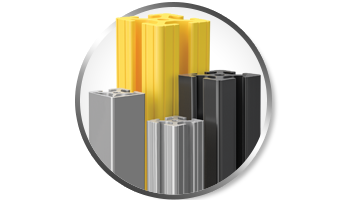
80/20 Framing
-
80/20 T-Slot Aluminum Profiles are the essential building blocks of any ESD-protected workstation
-
Easy to connect and easy to affix to the ground point at multiple locations.
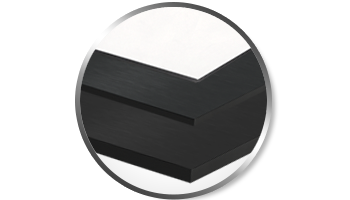
80/20 Work Surfaces
-
80/20 provides numerous ESD-safe panel options from polycarbonate panels to laminate panels.
-
For any chemical or solvent exposure, match the ESD surface material appropriately.
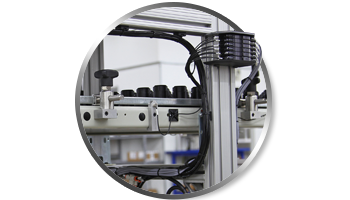
80/20 Accessories
-
Cables and wire management with 80/20 is easy. Wires can be safely secured within the channels of the T-Slot Aluminum Profiles, ensuring clean workstations without any tripping hazards.
-
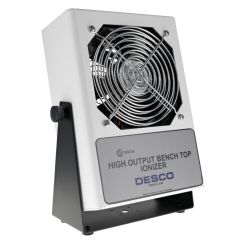 12336
12336High Output Benchtop Ionizer, 120VAC
-
 12334
12334Adjustable Wrist Strap with 6’ Coil Cord - ESD
-
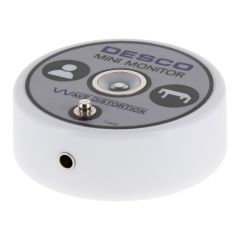 12333
12333Mini Monitor - ESD
-
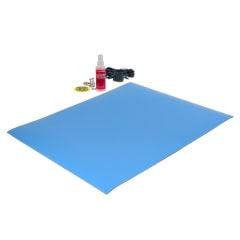 12337
12337Dissipative Dual Layer Rubber Mat Top Kit - ESD
-
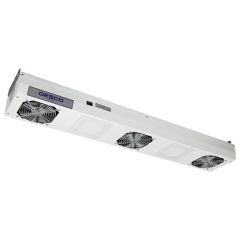 12335
12335Overhead Ionizer with Light, 3-Fan, 120VAC
-
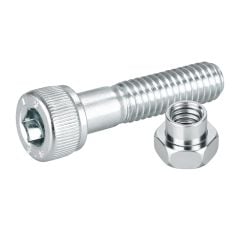 M6-25BNWZ
Bolt & Nut for Joint Sets - M6 x 25mm SCS with M6 Nut - White Zinc
-
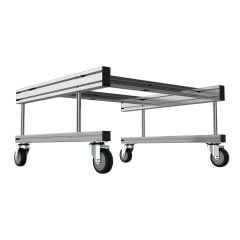 40300-MR-600
AMR Cart for MiR 250 Robot
-
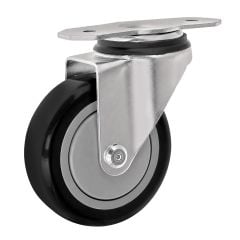 2331
23314” ESD T-Slot Mount Swivel Caster
-
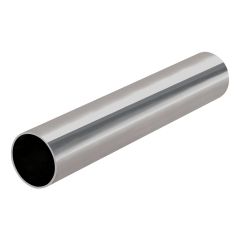 EP-96-ST11Stainless 8 ft Steel Pipe 1.1 mm Thick ESD
 -
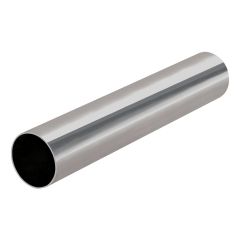 EP-157-STStainless 4 m Steel Pipe ESD
 -
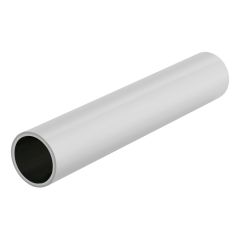 EP-96-LGRLight Gray 8 ft PE Coated Steel Pipe ESD
 -
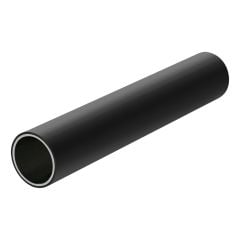 EP-96-BK
Black Polyethylene Coated Steel Pipe (ESD)
-
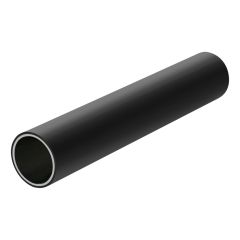 EP-157-BKBlack 4 m PE Coated Steel Pipe ESD
 -
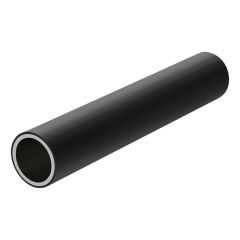 SEP-96-BK
Black Polyethylene Coated Steel Pipe (ESD)
-
 2649
2649ESD Polycarbonate Panels" .177" Thick, Clear
-
 65-2649
ESD Polycarbonate Panels: 4.50mm Thick, Clear
-
 65-2648
ESD Polycarbonate Panel: 6.0mm Thick, Clear
-
 2648
2648ESD Polycarbonate Panel: .220" Thick, Clear
-
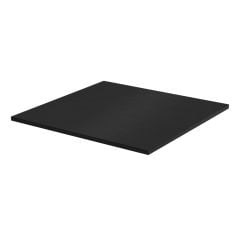 65-2627
UHMW-ESD Panel: 6.35mm Thick, Black
-
 2627
2627UHMW-ESD Panel: .250" Thick, Black
5. ESD and Different Structure Types
When it comes to understanding what is ESD in manufacturing, it’s ultimately about identifying the most common ESD 80/20 structures. For a step-by-step guide to ergonomic layout (reach zones, casters, storage), download the Ergonomic Workstation Field Guide below.
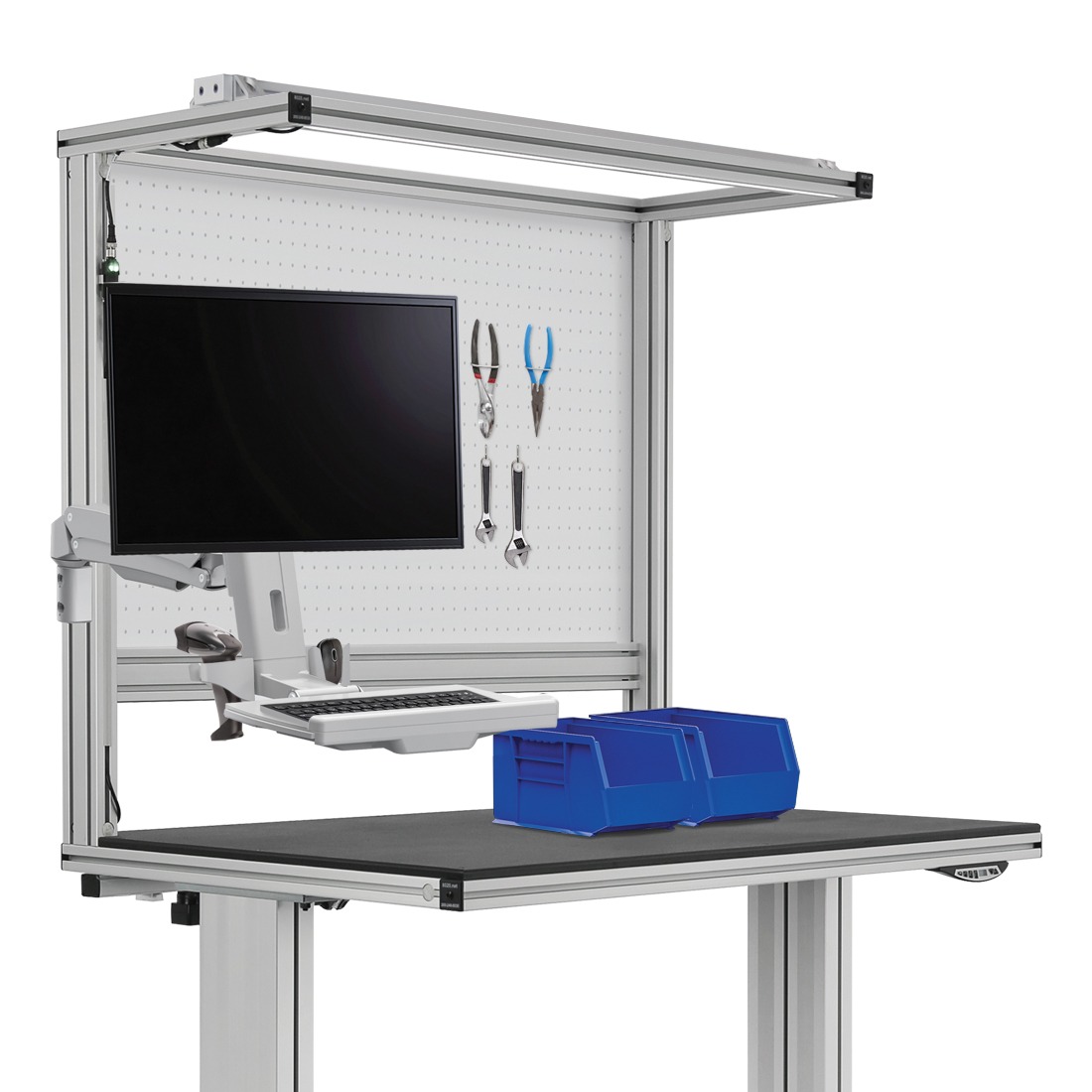
Workstations
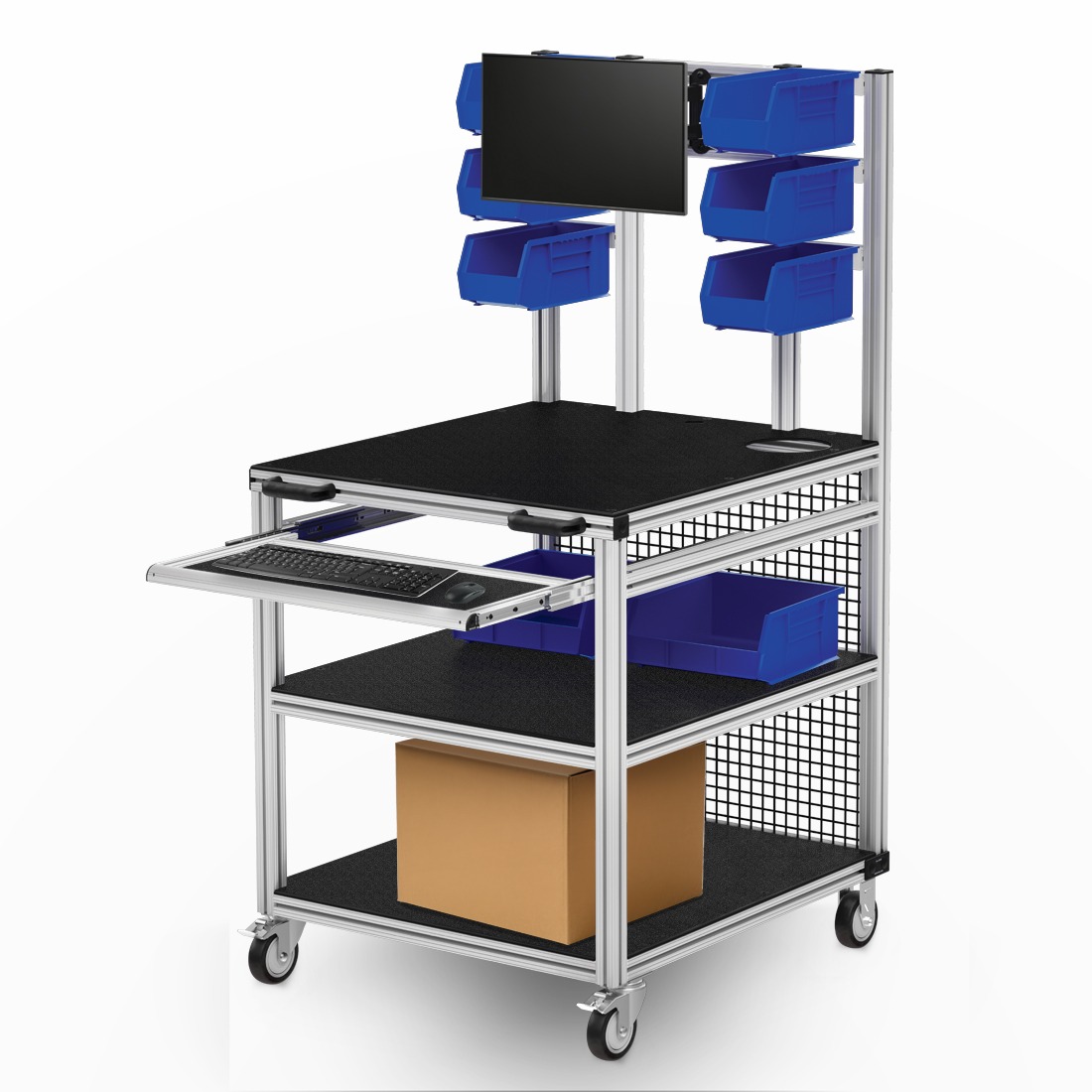
Carts
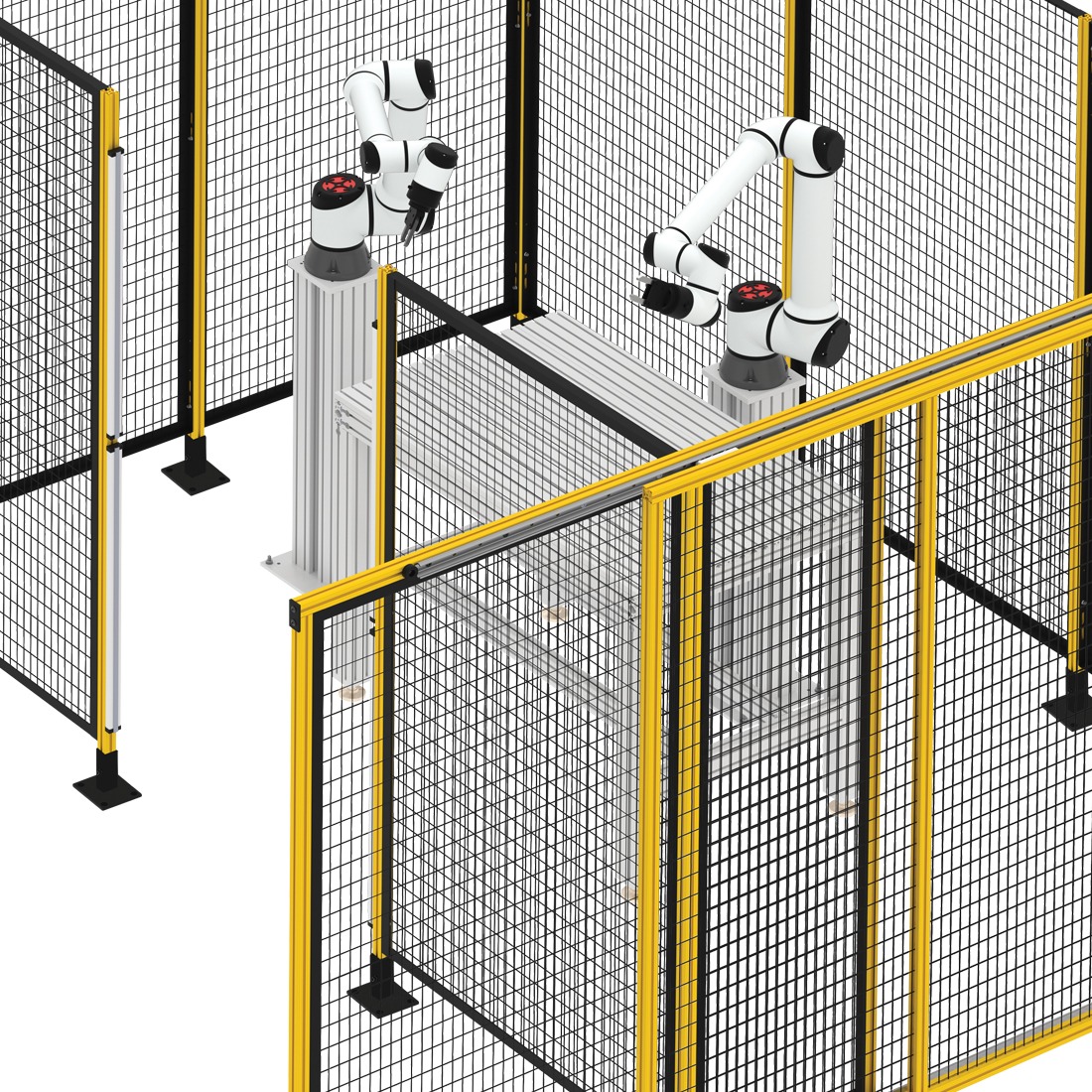
Guarding
6. Common ESD Mistakes (and How to Avoid Them)
-
Mistake #1: “We added an ESD mat, so we now have an ESD-compliant workstation.”
Not good enough. ESD basics require that you must always connect mats and surfaces to specific grounding points and ensure the connection is secure and well-documented.
-
Mistake #2: Assuming metal = ESD-safe with no grounding or ESD surfaces.
Metal alone never ensures a controlled discharge of static electricity. Every 80/20 workstation made with T-Slot Aluminum Profiles must be properly bonded and grounded to ensure static electricity doesn’t accumulate and suddenly discharge.
-
Mistake #3: Using insulated bins/trays in the main handling zone.
Do not use standard plastic material bins and plastic trays. Replace these with dissipative or conductive bins and trays. If none are available, ensure those standard bins and trays are kept away from your EPA, nowhere near electronic assemblies.
-
Mistake #4: Mixing ESD-safe and non-ESD furniture in the same EPA without clear boundaries.
Everything inside your EPA (Electrostatic Protected Area) must be ESD-safe. There are no exceptions. Any furniture, chairs, or workstations that are not ESD-safe should not be your designated ESD work areas.
-
Mistake #5: No routine checks and internal ESD audits
Periodic routine checks and internal ESD audits are an absolute must. They help reinforce best practices and ESD guidelines for production employees, managers, and technicians. They ensure your company adheres to existing ESD requirements and play a critical role in any third-party ESD compliance audits or tests.
-
Mistake #6: Nobody tests mats, flooring, and wrist straps after installation.
Perhaps the most common mistake overall is assuming that ESD-safe materials on their own ensure ESD-compliant workstations. They don’t. You must test everything to ensure the workstations and everything inside adheres to ESD guidelines.
Key Takeaways on ESD Basics
-
ESD can damage electrical components during assembly and testing and lead to latent failures.
-
ESD protection improves manufacturing efficiency, reduces costs and increases safety.
-
Material selection is essential for ESD protection.
-
Grounding is an absolute must for any 80/20 ESD-compliant workstation.
-
ESD-safe and compliant workstations require a complete system-wide approach.
From ESD basics to your next project
Plan your next ESD-protected workstation and learn more in the ESD-Compliant Workstations Field Guide.
Go deeper on compliance and testing in our ESD Compliance Guide for Manufacturing.
Ready to build? Start designing in 80/20's IdeaBuilder in minutes. Need local support? Talk to the 80/20 team or your local 80/20 distributor about ESD-safe panels, grounding hardware, and workstation designs.