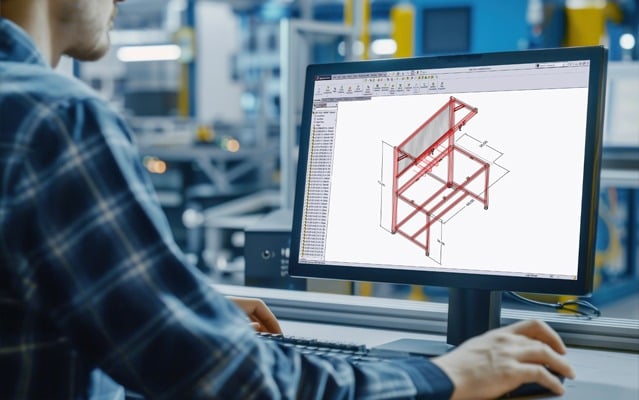

Toggle Nav
A vector logo of AutoQuoterSW, a Solidworks software plug-in to build or design with 8020 t-slot aluminum profiles and products.A vector logo of AutoQuoterSW, a Solidworks software plug-in to build or design with 8020 t-slot aluminum profiles and products.

AutoQuoterSW® is a free plugin for SolidWorks® (versions 2022 and newer) that simplifies designing with the full range of 80/20 products. The plugin automatically generates a comprehensive bill of materials, providing designers with all the specific details required to finalize their purchase.
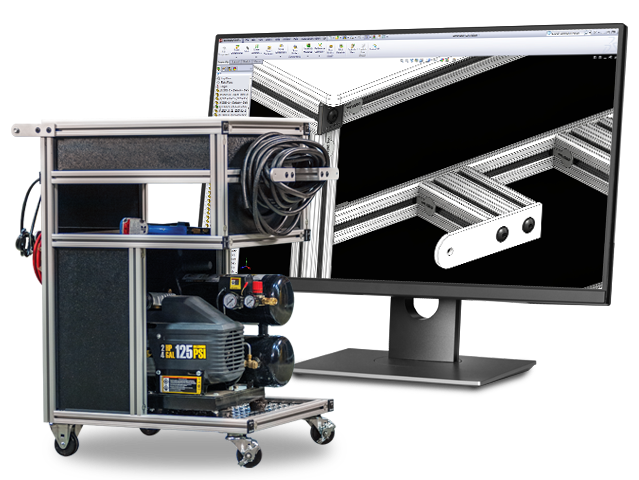
A 80/20 T-slot aluminum mobile cart holding an air compressor and hose, positioned next to a monitor displaying the AutoQuoterSW SolidWorks CAD interface.A 80/20 T-slot aluminum mobile cart holding an air compressor and hose, positioned next to a monitor displaying the AutoQuoterSW SolidWorks CAD interface.

How to Order From AutoQuoterSW

From design to delivery, AutoQuoterSW streamlines your entire workflow. As you build, the software compiles a real-time bill of materials for every 80/20 component in your project. When you’re ready simply export an XML file for instant online upload or connect directly with an authorized distribution partner to get your project moving.

Design From Start to Finish All-in-One Plug-in
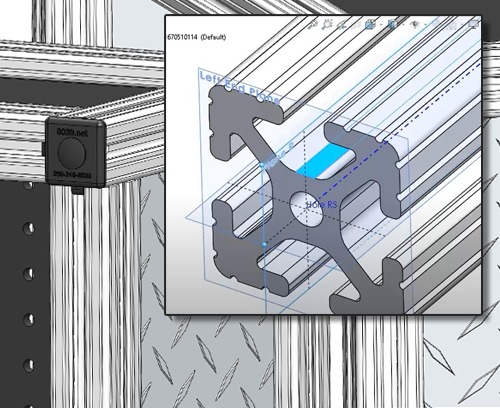
A 3D Solidworks rendering of an 80/20 T-slot aluminum profile overlaying an assembly, showing technical callouts for end planes and a center hole for machining.A 3D Solidworks rendering of an 80/20 T-slot aluminum profile overlaying an assembly, showing technical callouts for end planes and a center hole for machining.

Add Custom Components

Streamline your workflow by using "plug-and-play" standard components or customize parts to adapt to your process.
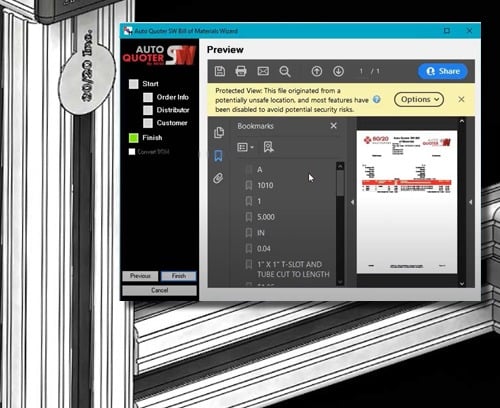
AutoQuoterSW Bill of Materials Wizard in SolidWorks showing a preview of a professional 80/20 quote with line items for T-slot aluminum and tube cut to length.AutoQuoterSW Bill of Materials Wizard in SolidWorks showing a preview of a professional 80/20 quote with line items for T-slot aluminum and tube cut to length.

Detailed Bill of Matierals

Export clear, precise bills of materials in multiple formats. Purchase your project with your exported BOM and XML files.
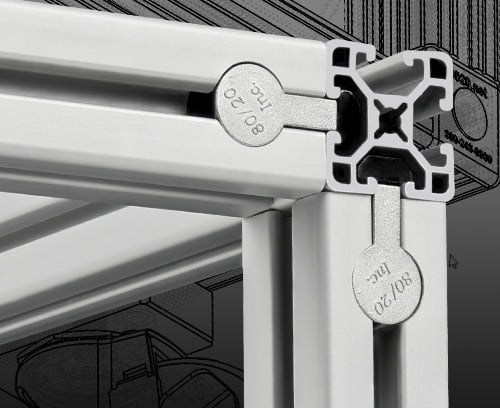
A 3D rendering in SolidWorks using the AutoQuoterSW add-in to compare different 80/20 T-slot aluminum extrusions, including 15 series profiles.A 3D rendering in SolidWorks using the AutoQuoterSW add-in to compare different 80/20 T-slot aluminum extrusions, including 15 series profiles.

Extensive 80/20 Selection

A library of 80/20 components—including T-slot profiles, fasteners, panels, and accessories—directly within your design.
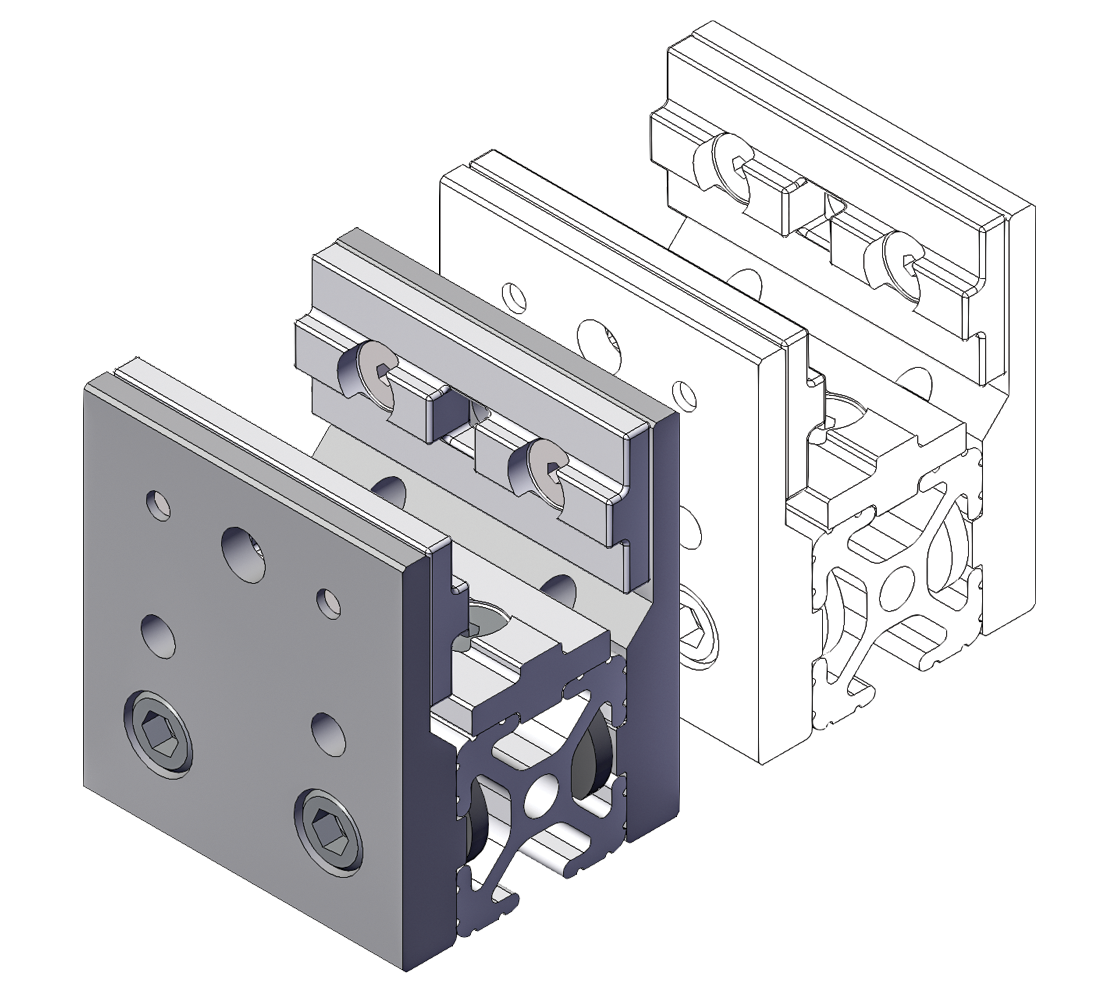
3D rendering of an 80/20 aluminum T-slot end fastener assembly showing modular profile connection hardware and mounting plate.3D rendering of an 80/20 aluminum T-slot end fastener assembly showing modular profile connection hardware and mounting plate.

Power Your Designs with the 80/20 CAD Library

When you're designing with 80/20 products there's several resources at your disposal. Browse the CAD library for the products you need to help build an 80/20 solution. 

How-To Tutorials

Learn the Tools and Features

Explore how-to tutorial videos to learn features and tools with AutoQuoterSW®, plus discover tips and tricks to speed up your design process.
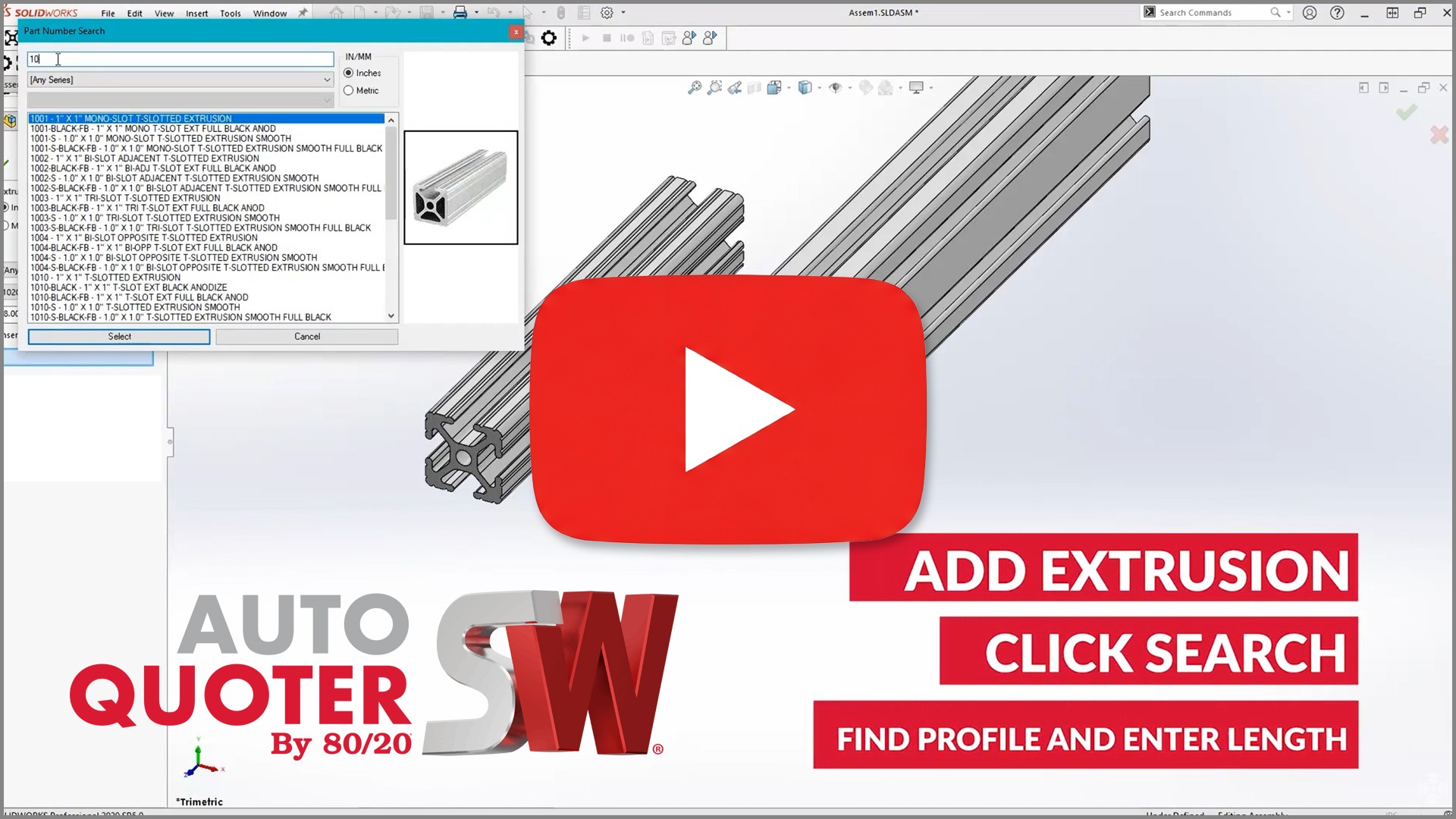
YouTube tutorial thumbnail for 80/20 AutoQuoterSW software, showing a solidworks interface with 80/20 products in an assembly.YouTube tutorial thumbnail for 80/20 AutoQuoterSW software, showing a solidworks interface with 80/20 products in an assembly.
Technical Support

Have a Design Question?

There's support at your fingertips. Contact an 80/20 design specialist with questions during your build process via email or live chat. 
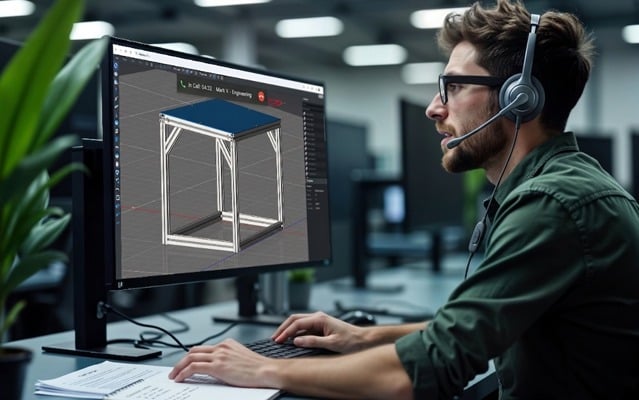
A man wearing a headset sits at a desk, looking at a computer monitor displaying a 3D T-slot aluminum frame design in the IdeaBuilder software interface.A man wearing a headset sits at a desk, looking at a computer monitor displaying a 3D T-slot aluminum frame design in the IdeaBuilder software interface.
Helpful Downloads

Things to Support Your Design

80/20 has downloads to help design with 80/20 in Solidworks® and make it easier. Start with the AutoQuoterSW® plug-in download and follow the user guide to get started with your design.
The AutoQuoter by 80/20 logo for SOLIDWORKS, featuring a realistic 3D assembly of T-slot aluminum profiles with a hinge and diamond plate panel.The AutoQuoter by 80/20 logo for SOLIDWORKS, featuring a realistic 3D assembly of T-slot aluminum profiles with a hinge and diamond plate panel.

AutoQuoterSW® Plug-in

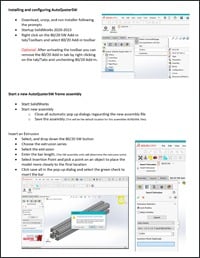
Instructional guide for AutoQuoterSW featuring steps for installing the SolidWorks add-in, starting a new frame assembly, and inserting T-slot aluminum extrusions.Instructional guide for AutoQuoterSW featuring steps for installing the SolidWorks add-in, starting a new frame assembly, and inserting T-slot aluminum extrusions.

AQSW User Guide

Distributor Support

Need Support in Your Area?

Take advantage of 80/20 services through our network of distribution partners near you. Select from design assistance, on-site visits and ongoing support.


Local technical support sales representative shaking hands with a customer in an industrial warehouse settingLocal technical support sales representative shaking hands with a customer in an industrial warehouse setting
CAD software displaying a modular aluminum T‑slot framing structure used for engineering design and product developmentCAD software displaying a modular aluminum T‑slot framing structure used for engineering design and product development

Reasons to Use 80/20 Design Services

Design smarter and build with confidence using 80/20 Design Support Services. This blog outlines five key reasons to partner with 80/20’s expert design team—from collaborative support and feasibility reviews to cost optimization and future‑ready modular solutions—helping you move from concept to installation faster and with fewer risks.