

Modular Ergonomic Workstations: The 80/20 Solution
Modular 80/20 Ergonomic Workstations
According to the Centers for Disease Control and Prevention (CDC), U.S. employers lose an estimated $225.8 billion annually due to absenteeism. While there are several contributing factors, none are more costly than musculoskeletal disorders (MSDs), the leading cause of workplace injuries, responsible for $54 billion in annual losses.
From back, neck, and shoulder problems to seemingly inconsequential, yet no less painful, carpal tunnel syndrome, poorly designed workstations pose a safety risk whose cost is measured by reduced productivity and efficiency, lower employee morale, and increased employee attrition.
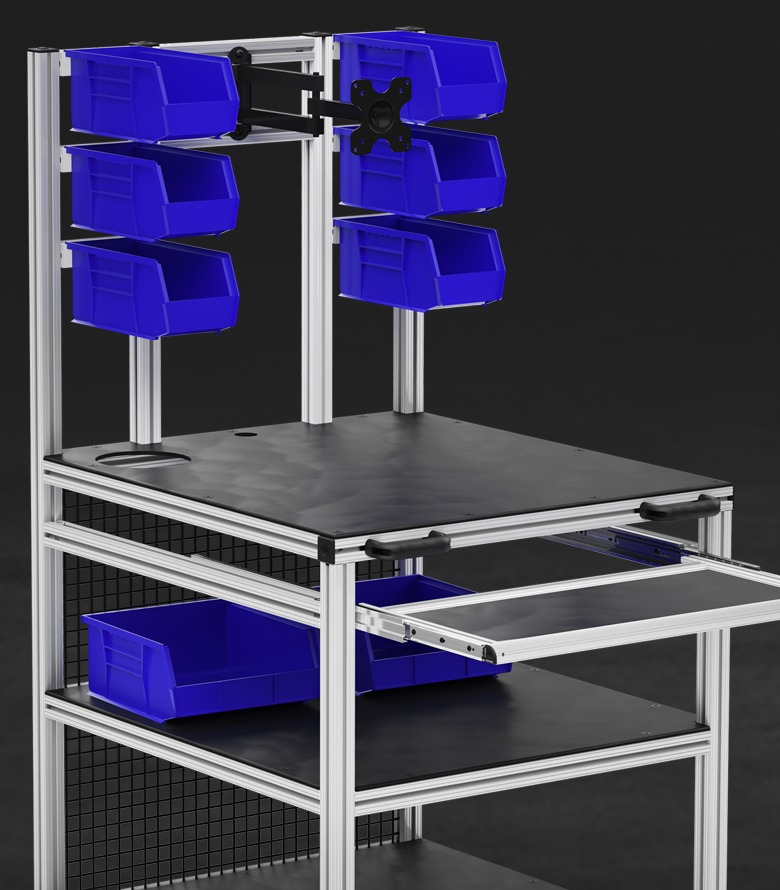
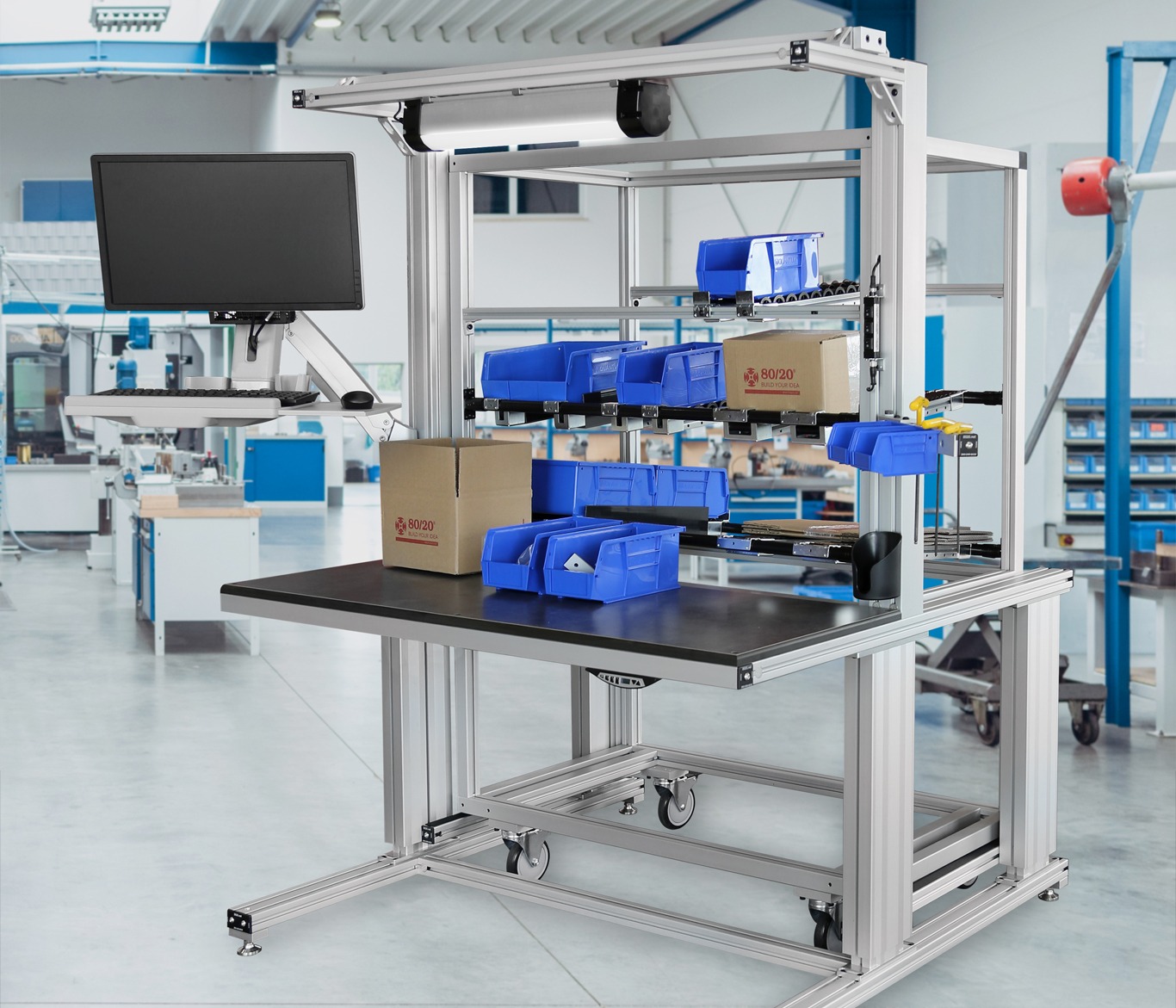
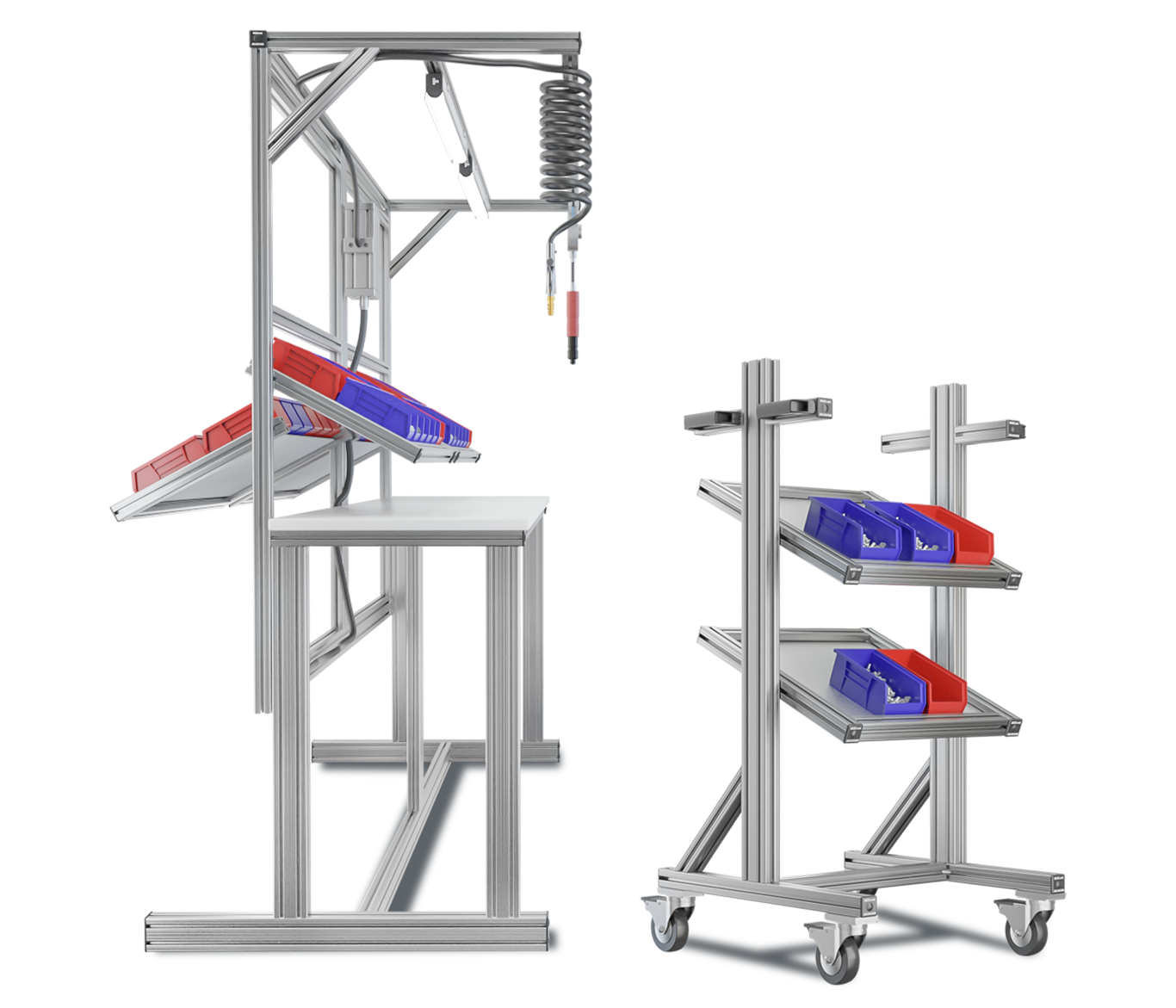
The 80/20 T-slot aluminum is combined with numerous accessories, allowing companies to design and assemble modular, scalable, ergonomic mobile workstations.
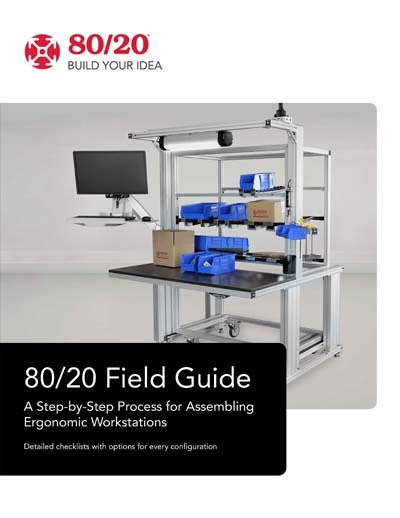
Learn More in the Ergonomic Workstations Field Guide
This guide outlines a 7-step workstation design process, from defining seated or standing use and task needs to selecting profiles, casters, storage, lighting, and safety features. It includes printable checklists for design reviews and improvement events, along with practical tips for choosing materials, surfaces, and components. Example layouts show stationary, ESD-compliant, and mobile ergonomic stations built with 80/20 systems. Download and get started now!
1. Why Are Ergonomic Workstations Important for Businesses?
Ergonomic workstations are important for businesses because they reduce workplace injuries, improve employee comfort, and boost productivity. By minimizing strain and correcting posture, they lower compensation costs, decrease absenteeism, and create safer, leaner environments where employees feel valued and supported.
Traditional welded workbenches are often rigid and strain-inducing. Modular, adjustable ergonomic workstations provide scalable solutions that adapt to employees’ natural movements, supporting continuous improvement while maintaining safety and efficiency.
A critical partner to commercial and industrial enterprises worldwide for over 35 years, 80/20 is the go-to solution for any manufacturer, integrator, original equipment manufacturer (OEM), distributor, warehouse, retailer, or other enterprise wanting to assemble their own ergonomic mobile workstations.
With the 80/20 solution, companies can design and assemble their own modular adjustable workstations. They can change or tweak these workstations without ever having to send them outside to a third-party for time-consuming and costly modifications. Instead, they simply make the adjustments in-house, with most changes taking anywhere from 30 minutes to an hour.
Uniformity, visual appeal, durability, simplicity, and an always-clean look are hallmarks of the 80/20 brand. Companies that make adjustable workstations with 80/20 materials save time, money, and physical space while improving productivity within a safe and ergonomic work environment.

2. What Are the Costs of Poor Workstation Ergonomics?
Poor workstation ergonomics lead to high costs for businesses, including workers’ compensation claims, medical expenses, and lost productivity. They also drive hidden costs such as employee turnover, retraining, overtime, and quality defects caused by overstrained workers.
The Bureau of Labor Statistics reports that musculoskeletal disorders (MSDs) account for nearly one-third of compensation costs for U.S. employers. Beyond these direct expenses, poorly designed workstations reduce morale, slow efficiency, and increase the risk of errors. Modular ergonomic workstations help businesses avoid these costs by minimizing strain and supporting safer workflows.
3. The 80/20 Advantage: Configurable and Modular T-Slot Aluminum
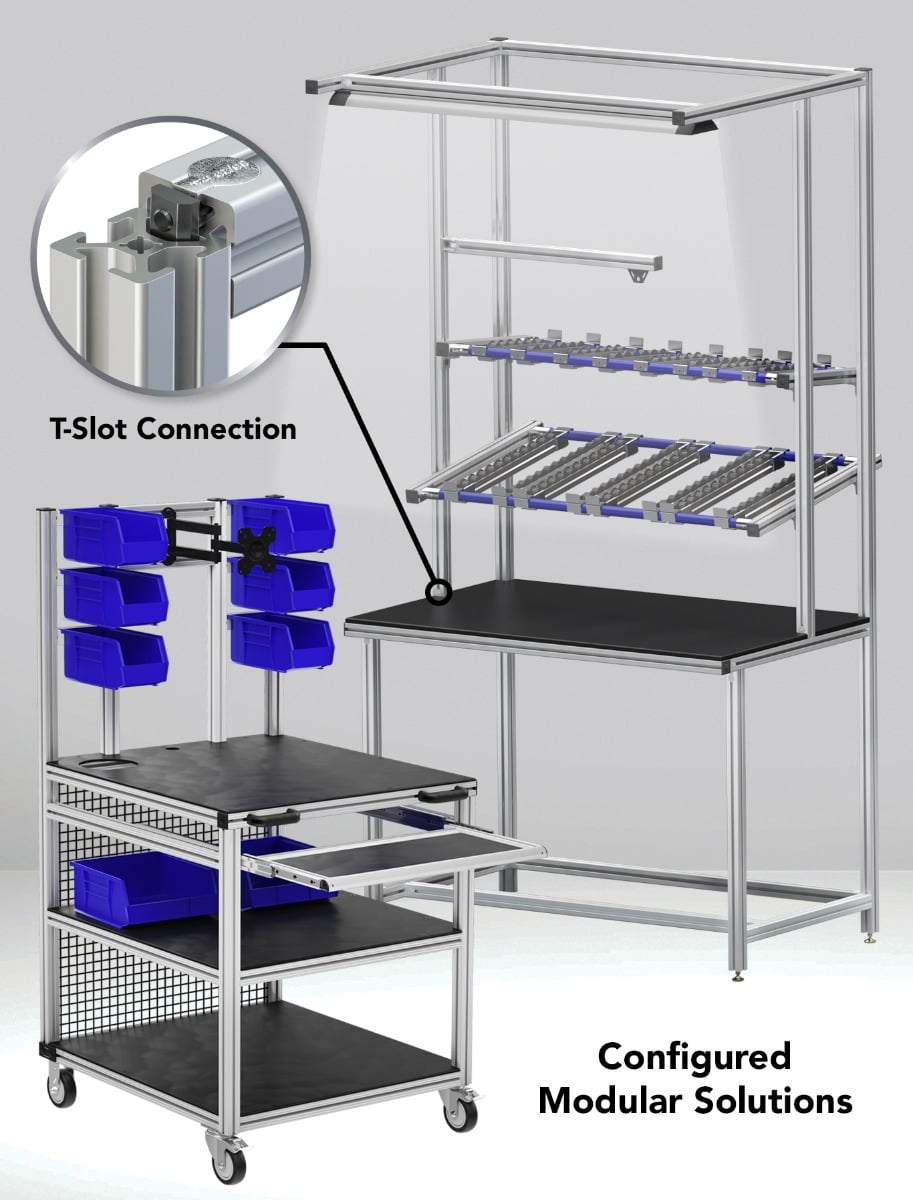
The 80/20 solution is made possible with its T-slot aluminum profile, a durable, high-strength, and visually appealing anodized aluminum with excellent impact and corrosion resistance. This innovative product is combined with an extensive selection of fasteners, connectors, hardware, hinges, steel pipes, joints, and numerous other accessories.
The T-slot aluminum from 80/20 is an extremely lightweight, high-load-bearing capacity solution. Easy to cut and simple to assemble, the 80/20 T-slot aluminum can be reused as needed, allowing companies to configure whatever adjustable workstations a given work area or work cell requires.
With just a simple hand-held tool and embedded channels within the T-slot aluminum, companies can design the perfect modular ergonomic workstations while mounting tools and accessories directly to the aluminum’s channels. From RFID scanners, electric drills, and grinders to any assortment of task-critical tools and consumables, all can be placed without the employee having to overreach or strain themselves.
4. Principles of Designing Ergonomic Mobile Workstations
There are five steps involved in designing and assembling ergonomic 80/20 workstations. These include 1) defining the work zone, 2) defining the workflow and work surfaces, 3) tool and consumables organization, 4) ergonomic adjustments, and finally, 5) choosing the right casters.
Define Work Zones
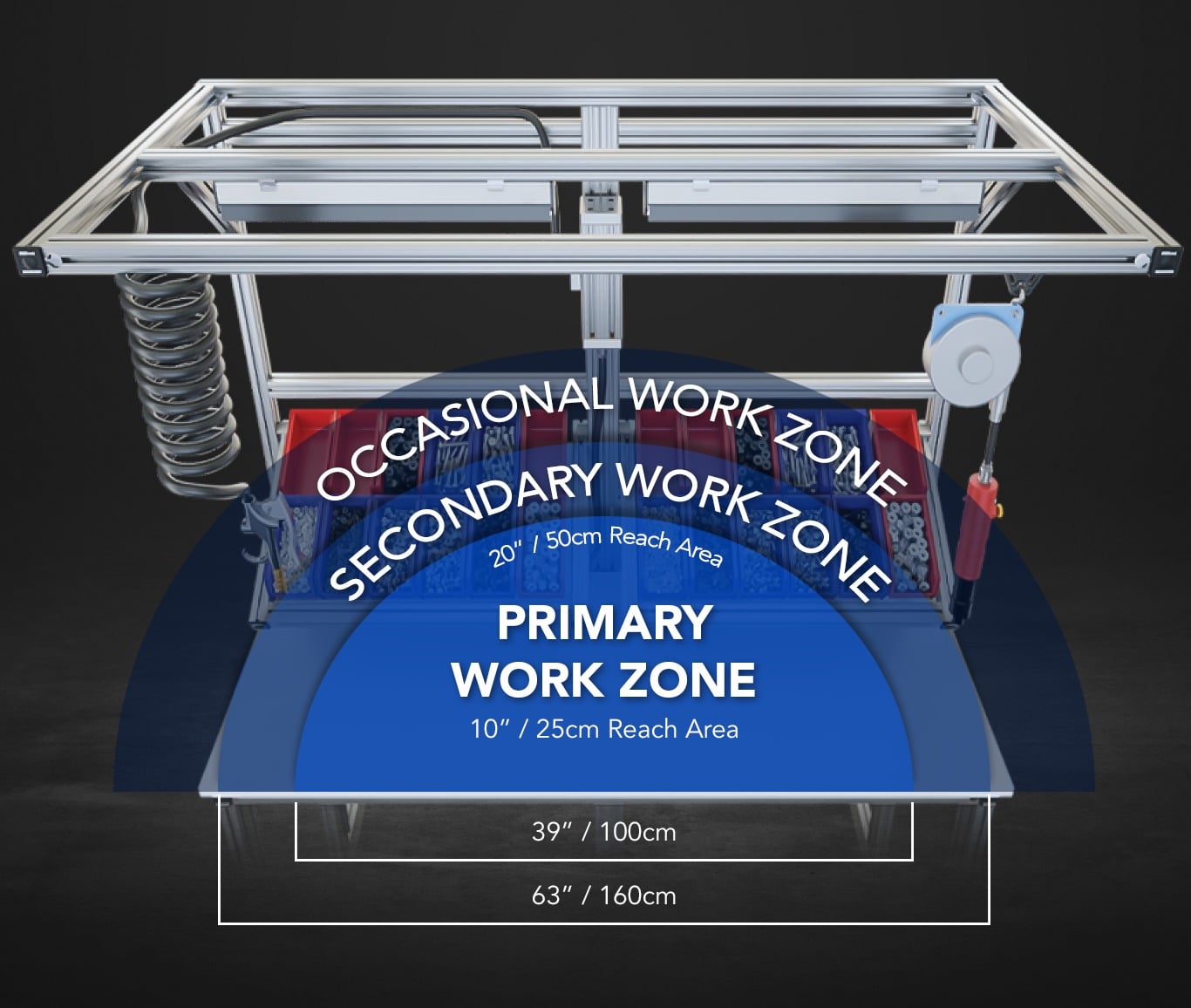
The first all-important step in designing an 80/20 custom T-slot workstation is to define the work zones. This means identifying the usual, occasional, and non-working areas.
-
What is the work task the operator will be performing at this workstation?
-
What are the physical dimensions of the semi-finished part or integrated assembly the operator will work on?
-
What are the essential tools and consumables they need to perform the work task?
-
How should these consumables and tools be positioned to ensure the least amount of strain possible?
The goal is to configure the work zone in a way that minimizes reaching, limits repetitive movements, and ensures a natural, comfortable posture for the employee. By identifying the primary, secondary, and occasional work tasks, a mobile workstation can be designed to minimize strain and ensure uninterrupted work processes.
Each work area or work zone is critical to ensuring the operator has the right-sized work surface and that tools and consumables are well within reach. It also ensures that the lean workstation design isn’t too large and doesn’t use too many 80/20 materials.
Workflow and Work Surfaces
Defining workflow ensures there is ample space for semi-finished parts to move freely within the ergonomic workstation. That workflow should define an entry and exit point for the semi-finished product before and after the work task is completed.
If the operator is working with or integrating electronic components, the decking material must be electrostatic discharge (ESD) compliant, in addition to ensuring proper grounding. 80/20 carries a full line of ESD-compliant materials.
Understanding the workflow and the type of work surfaces guarantees the safety of the employee while ensuring the workstation accurately represents the workflow.
Tools and Consumables Organization
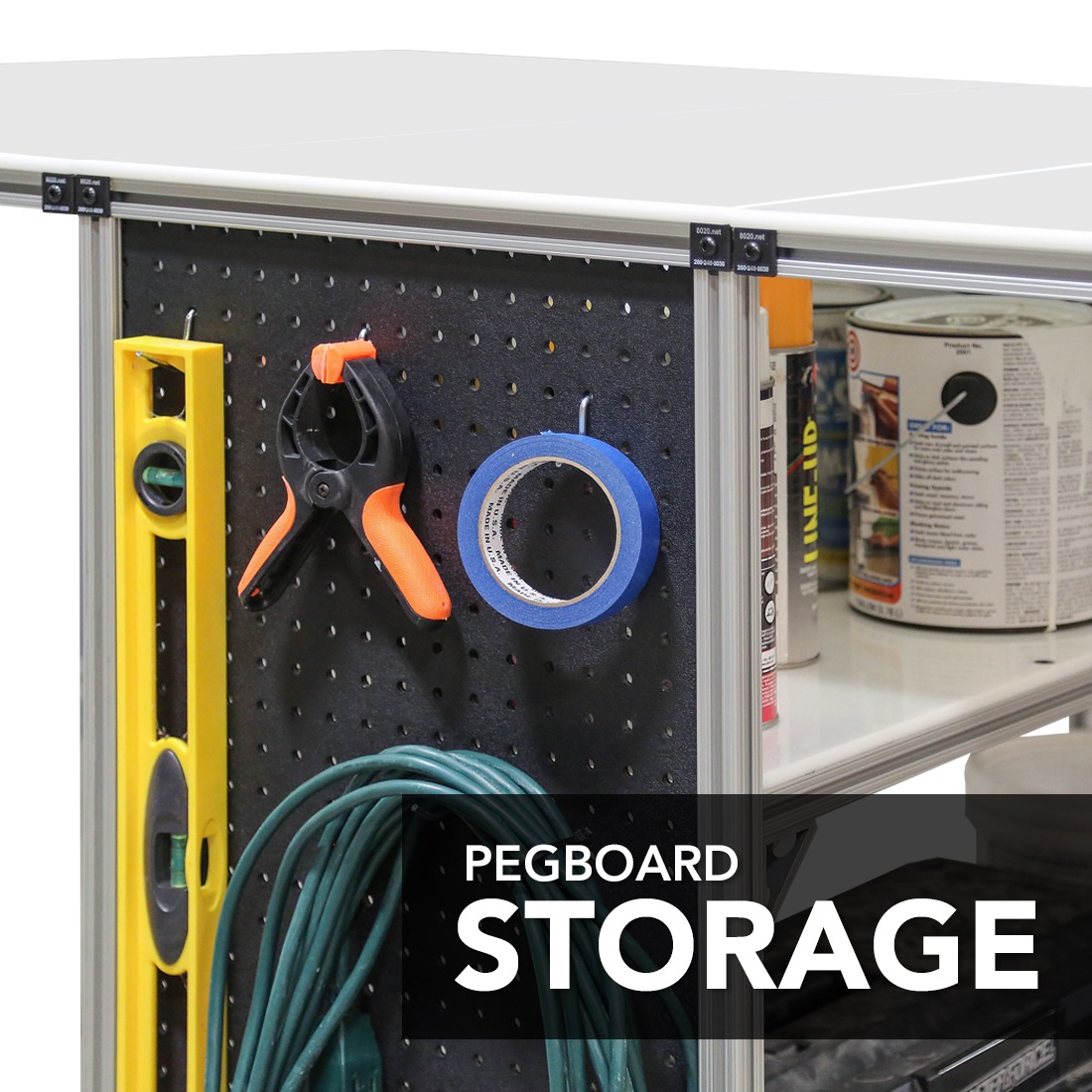
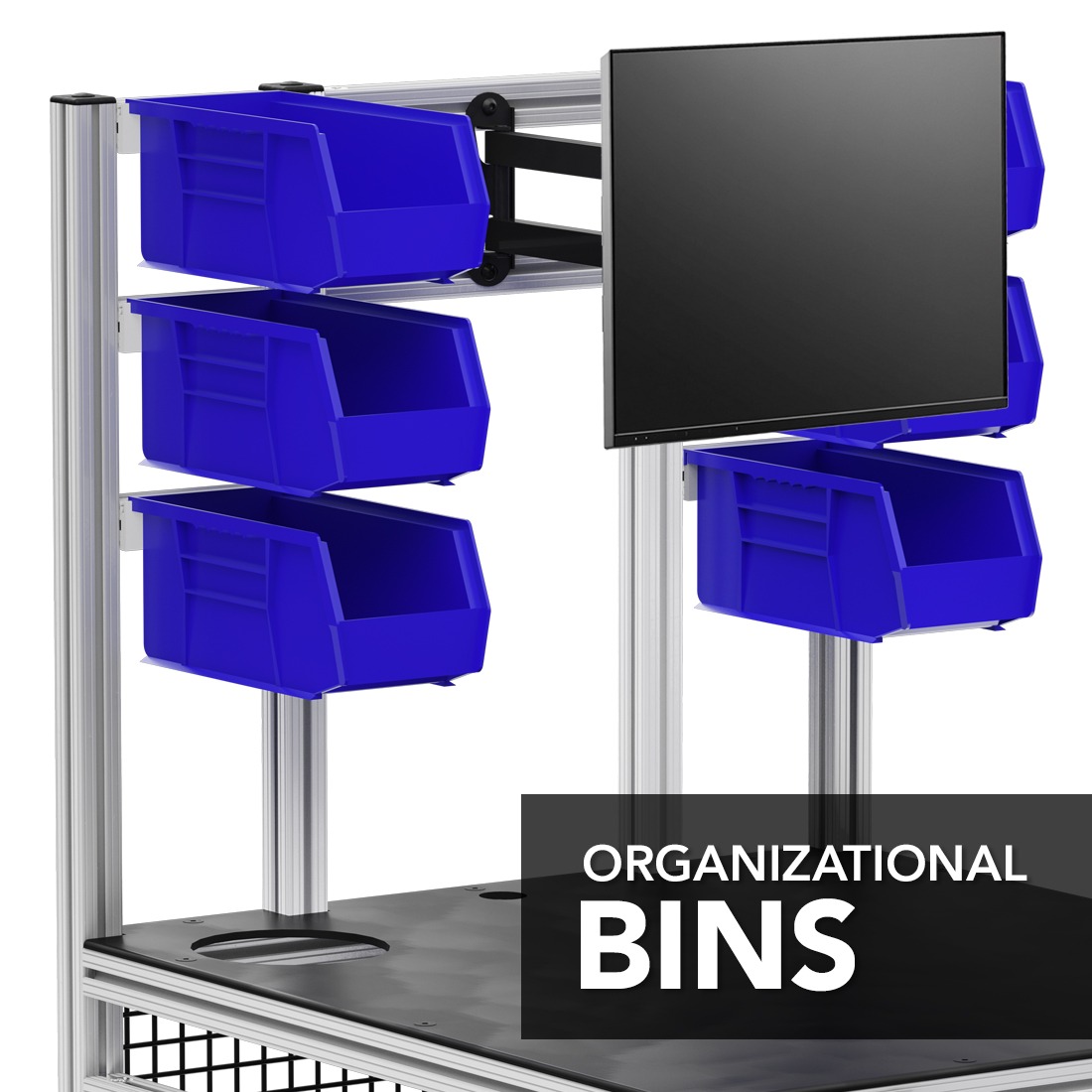
From shadow boards and hooks to wire mesh, bins, plastic panels, and mounting plates, 80/20 offers an extensive selection of solutions for proper tool organization and placement.
Whether it’s cutting out the shape of a tool on kaizen foam within easy-to-open drawers, creating tool outlines on shadow boards and panels, or ensuring customized slots for consumables within perfectly-positioned and safely-secured bins, there are numerous ways to configure modular 80/20 workstations.
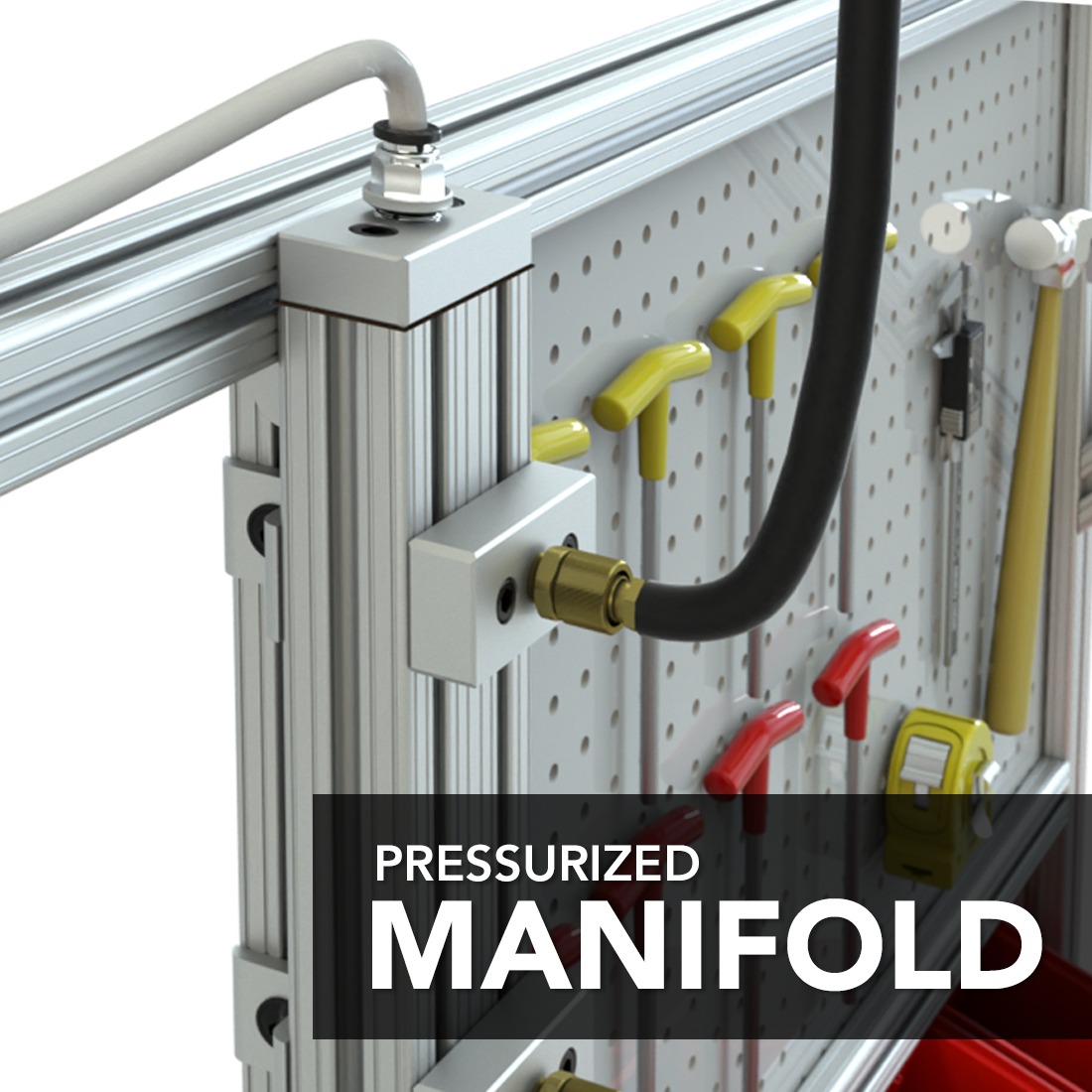
Attaching pneumatic tools to ergonomic mobile workstations, like the previously mentioned air blow gun, is easy with 80/20’s lineup of pressure manifolds. These attachments easily slide into the channels of the T-slot aluminum profiles, allowing companies to incorporate pneumatic tools for cleaning dirt and removing debris or to force-dry work surfaces.
Ergonomic Adjustments
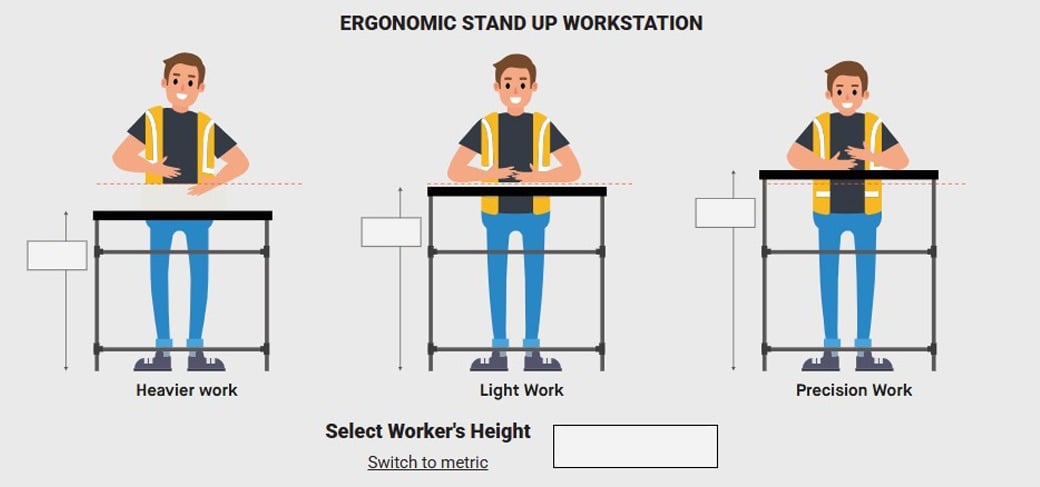
Adjustable workstations are either stand-up workstations or sit-down workstations. Defining either before is essential to ensuring the right height of the structure based on the operator's height. Fortunately, the following ergonomic workstation height guide provides all the information needed for designing and assembling standing adjustable workstations.
Stand Up Workstation
Since adjustable workstations can be for standing or sitting, it's essential to define the required height based on the operator. This ergonomic guide provides all the necessary information for designing and assembling standing adjustable workstations.
Ergonomic Standup Workstation Height Calculator
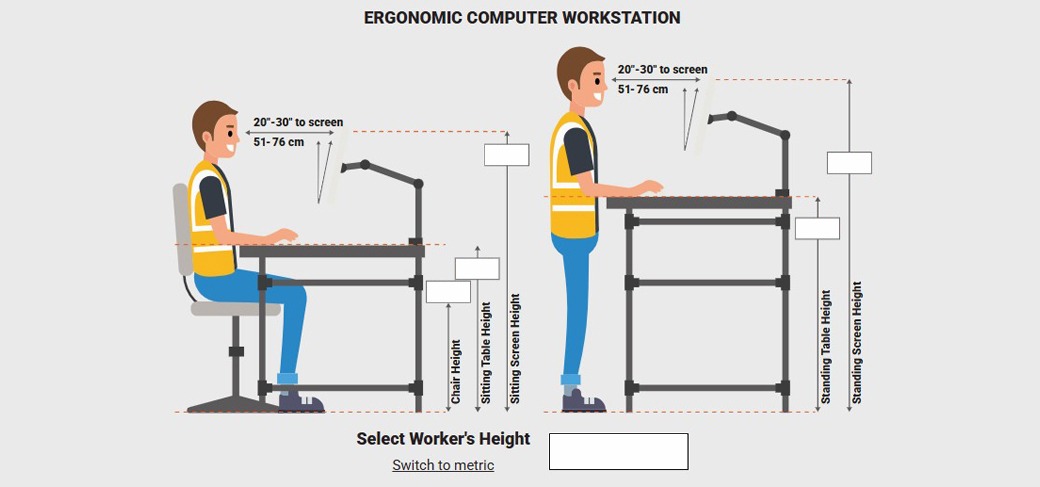
Sitting Down or Standing Up Terminal Workstation
The same ergonomic workstation height guide also provides critical guidance for creating sitting-down or standing-up computer terminal workstations. Again, simply input the worker’s height, and the guide will define all the required dimensions.
Ergonomic Height Calculator for Computer Desk
Mobility & Modularity
When it comes to mobility, it’s all about ensuring that adjustable workstations have the right casters. However, not all casters are the same. Some casters come with polyurethane wheels, while others have either rubber or nylon wheels. Some come with or without foot brakes, and all are either swivel or rigid.
-
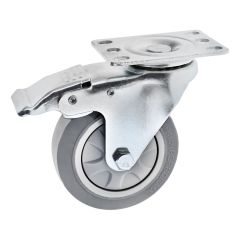 W-4PSB
Flanged Mount Swivel Caster w Brake: 3.937"
-
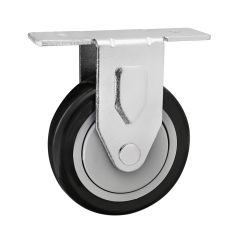 2329
23294" Two-Hole Rigid Plate Caster
-
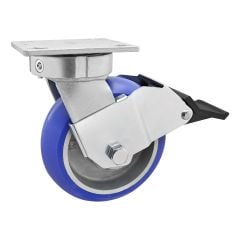 2719
27196” Heavy-Duty Towable Flange Mount Swivel Caster with Brake
-
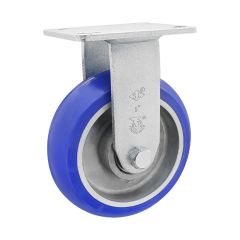 2718
27186” Heavy-Duty Towable Flange Mount Rigid Caster
-
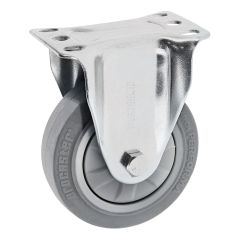 W-4PF
W-4PF4" Rigid Plate Caster
-
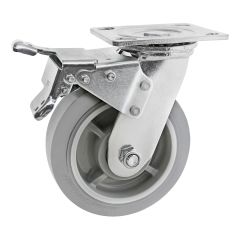 2707
2707Heavy-Duty Flange Mount Swivel Caster w Brake: 6.00" (152.4mm)
-
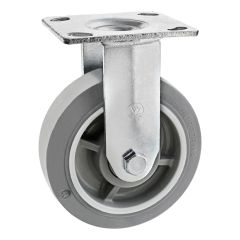 W-6PF
W-6PFHeavy-Duty Flange Mount Rigid Caster: 6.00"
-
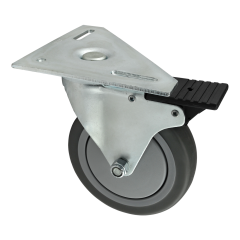 2338
233815, 30, 40, 45 Series Triangular Top Plate Caster: 4.625" Swivel Radius
-
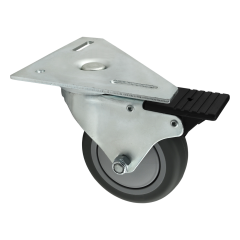 2337
233715, 30, 40, 45 Series Triangular Top Plate Caster: 4.625" Swivel Radius
-
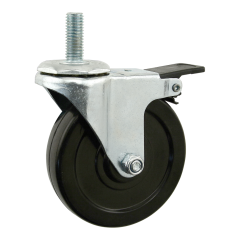 65-2345
Threaded Stem Swivel Caster: M12 x 30mm
-
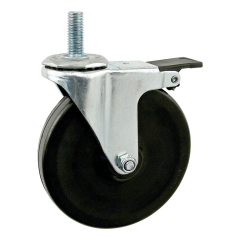 65-2344
Threaded Stem Swivel Caster: M10 x 30mm
-
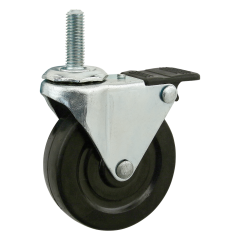 65-2342
Threaded Stem Swivel Caster: M10 x 30mm
-
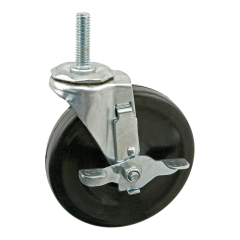 2307
2307Threaded Stem Swivel Caster: 7/16-14 x 1.5"
-
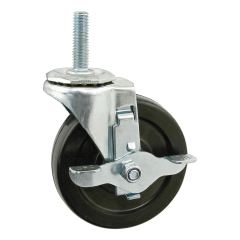 2305
2305Threaded Stem Swivel Caster: 7/16-14 x 1.5"
-
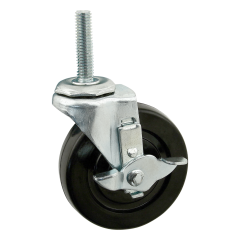 2300
2300Threaded Stem Swivel Caster: 3/8-16 x 1.5"
-
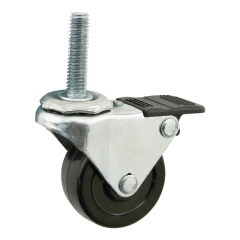 2299
2299Threaded Stem Swivel Caster: 3/8-16 x 1.5"
-
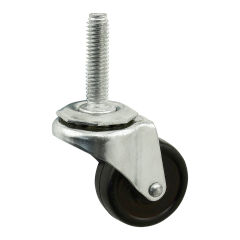 2298
2298Threaded Stem Swivel Caster: 3/8-16 x 1.5"
-
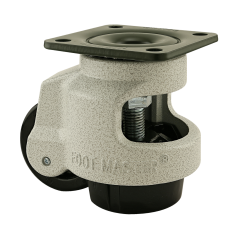 2717
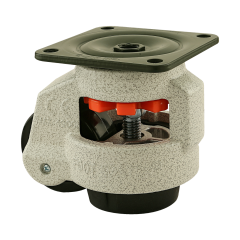
2717Leveling Casters
-
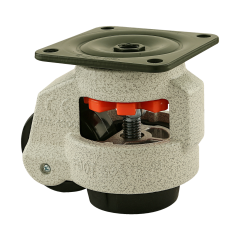 2716
2716Leveling Casters
-
 2715
2715Leveling Casters
When choosing the right industrial caster for your 80/20 workstations, you must consider the caster’s load-bearing or carrying capacity, the type of terrain the casters travel on, and the total weight of the ergonomic mobile workstations. Fortunately, 80/20 provides an extensive range of swivel stem and swivel plate as well as rigid stem and rigid plate casters.
-
Load Bearing Capacity: Each caster will define the amount of weight it can support.
-
Terrain: Matching a caster type to the terrain is critical to ensuring easy maneuverability of 80/20 workstations while reducing the appearance of scuff marks on different flooring or terrains.
-
Total Weight of Adjustable Workstations: Take the total weight of the modular ergonomic workstations with all the tools and materials included. Afterward, divide that weight by the number of casters used to ensure the structure can be properly supported.
5. Applications Across Industries
Ergonomic mobile workstations are universal applications. Any company wanting to provide its employees with a safe, comfortable workstation that minimizes strain, improves posture, and reduces MSDs can benefit from 80/20 workstations.
Whether it’s in an office, a repair shop, an industrial manufacturer, fabricator, integrator, distributor, wholesaler, retailer, warehouse, logistics company, laboratory, or even a research and development firm, numerous enterprises in multiple industries rely on 80/20’s T-slot aluminum and other accessories to design and assemble modular ergonomic workstations.
6. Proven ROI: The Business Case
The benefits for companies embracing ergonomic work environments are clear. From improving employee morale, increasing employee retention, reducing fatigue, defects, and human errors, to reducing the high costs associated with absenteeism, modular ergonomic workstations have proven ROI.
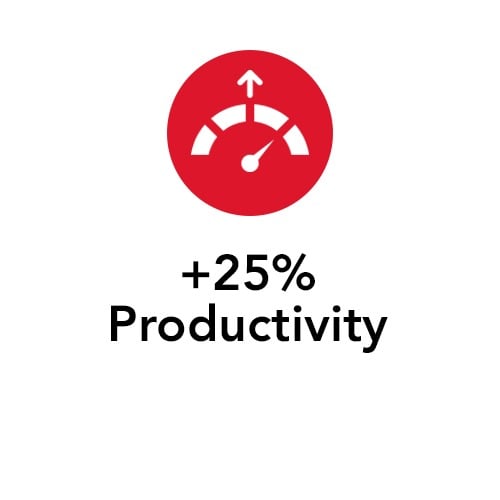
Studies demonstrate that ergonomic work environments increase productivity by 25%, lower absenteeism by 75%, improve employee focus, safety, and engagement, while reducing a company’s workers’ compensation costs by up to 60%.




7. Getting Started with 80/20
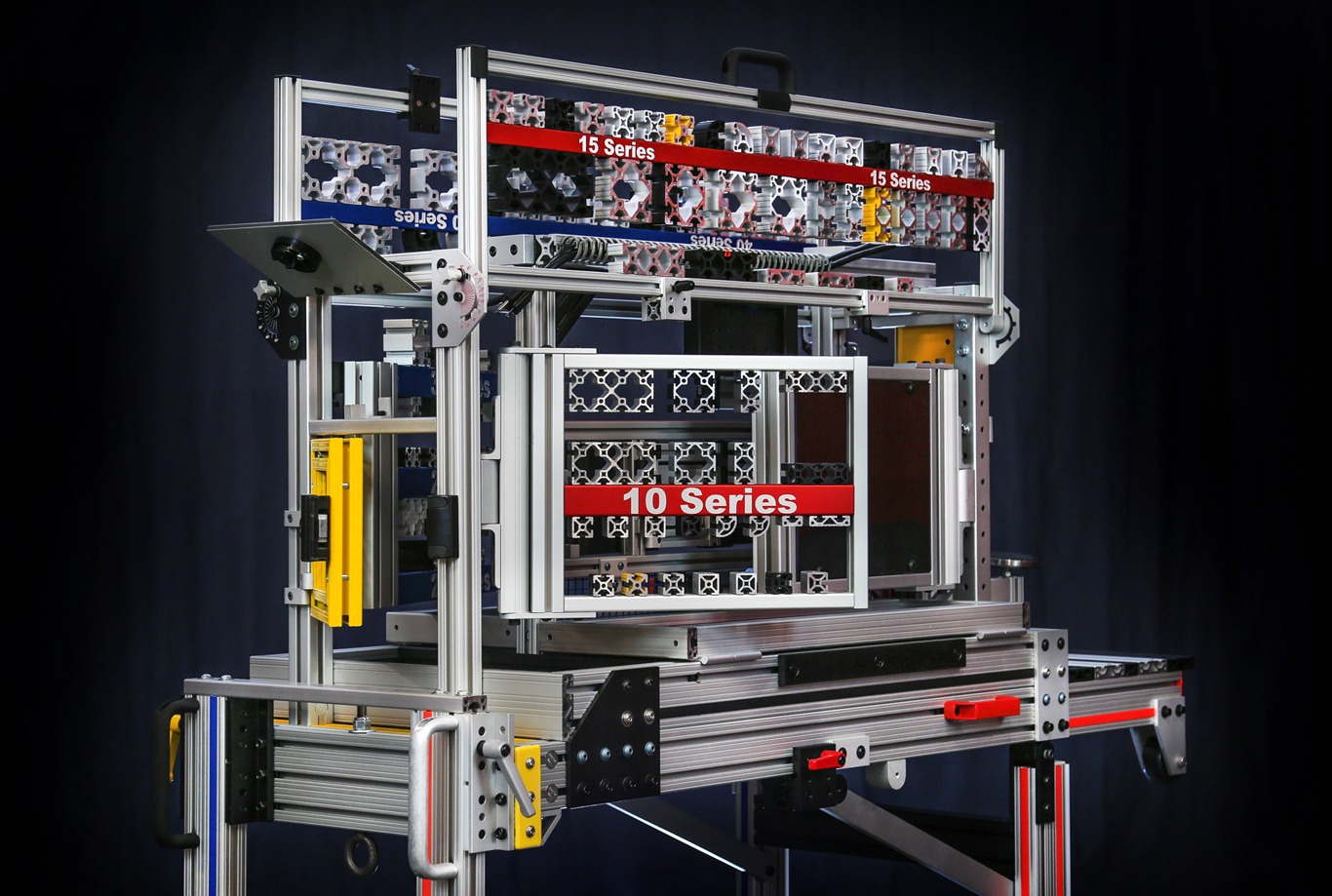
80/20 has a well-established and exceptionally experienced distributor network nationwide. This network of distributors is ready to assist customers with ergonomic adjustable workstations and other material handling requirements. With full access to 80/20’s complete lineup of T-slot aluminum profiles and accessories, these specialists combine incredible design-build capabilities alongside cost-cutting solutions to ensure all customers can benefit from the 80/20 solution.
From on-site demos, free design assistance, and access to a dedicated and seasoned project manager, to an experienced team of industrial manufacturing experts that have provided bottom-line savings and ergonomic-driven solutions across numerous industries, the 80/20 team is ready to serve.
8. From Principles to Practice: IdeaBuilder™
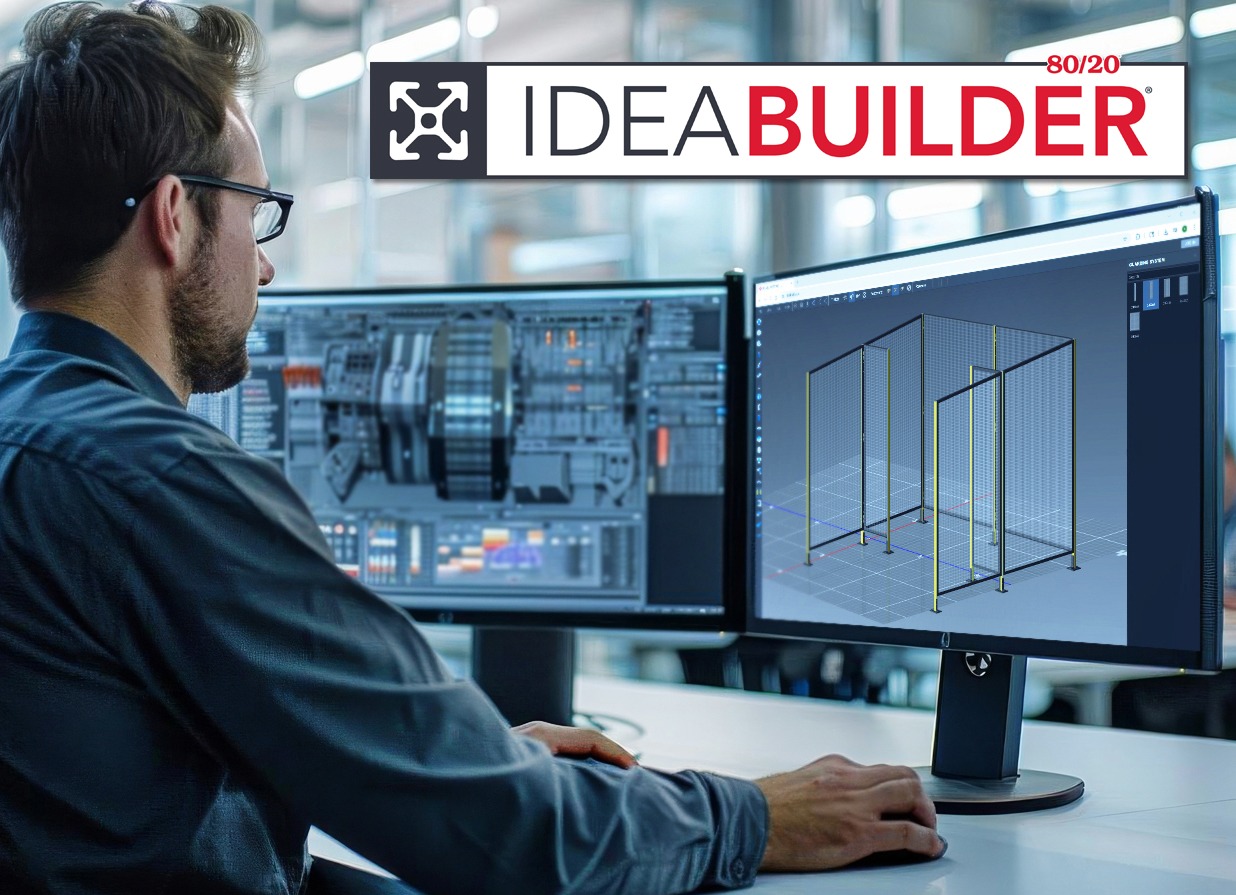
80/20’s IdeaBuilder™ is a stand-alone, web-based, Windows and Mac-compatible design tool that does not require CAD or any additional software. Users do not need to download any plugins. This intuitive solution is built around simple click, drag, and place technology, making it the ideal solution for any user.
No experience is required. This solution automatically generates Bill of Materials (BOMs), price estimates, outlines, and detailed design documents. It is compatible with the T-slot aluminum profile, all 80/20 accessories, and the Flexpipe steel tube and joints.
Get Started with IdeaBuilder
80/20 Design Software Support
FAQ: Ergonomic Workstations with 80/20
How do ergonomic workstations affect employee morale?
Ergonomic workstations improve morale by reducing daily strain and discomfort. When employees feel safe and supported, they are more engaged, motivated, and loyal, leading to lower turnover and a stronger workplace culture.
Can ergonomic workstations be customized for different tasks?
Yes. Modular ergonomic workstations can be tailored to specific tasks, workflows, and employee needs. With 80/20 T-slot aluminum, companies can easily adjust layouts, heights, and tool placement to fit changing requirements without costly redesigns.
What role do casters play in mobile ergonomic workstations?
Casters make ergonomic workstations mobile, allowing teams to reposition setups quickly for new tasks or layouts. Choosing the right caster ensures stability, smooth movement, and proper load-bearing capacity, all while supporting ergonomic efficiency.
Are ergonomic workstations only for industrial environments?
No. While common in manufacturing and warehouses, ergonomic workstations are valuable in offices, labs, retail, logistics, and R&D. Any workplace where repetitive tasks or poor posture cause strain can benefit from ergonomic workstation design.
How do ergonomic workstations support continuous improvement?
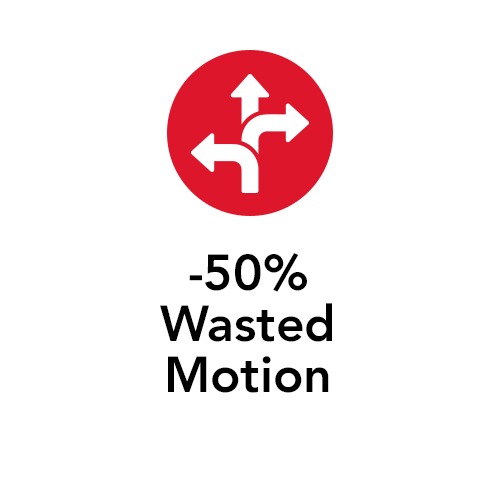
By being modular and adjustable, ergonomic workstations allow quick changes that align with lean and Kaizen principles. This flexibility makes it easier for businesses to improve processes, reduce wasteful movement, and maintain safer, more efficient workflows.