
5 Ways to Simplify Design with 80/20 CAD Files

5 Ways to Simplify Design with 80/20 CAD Files
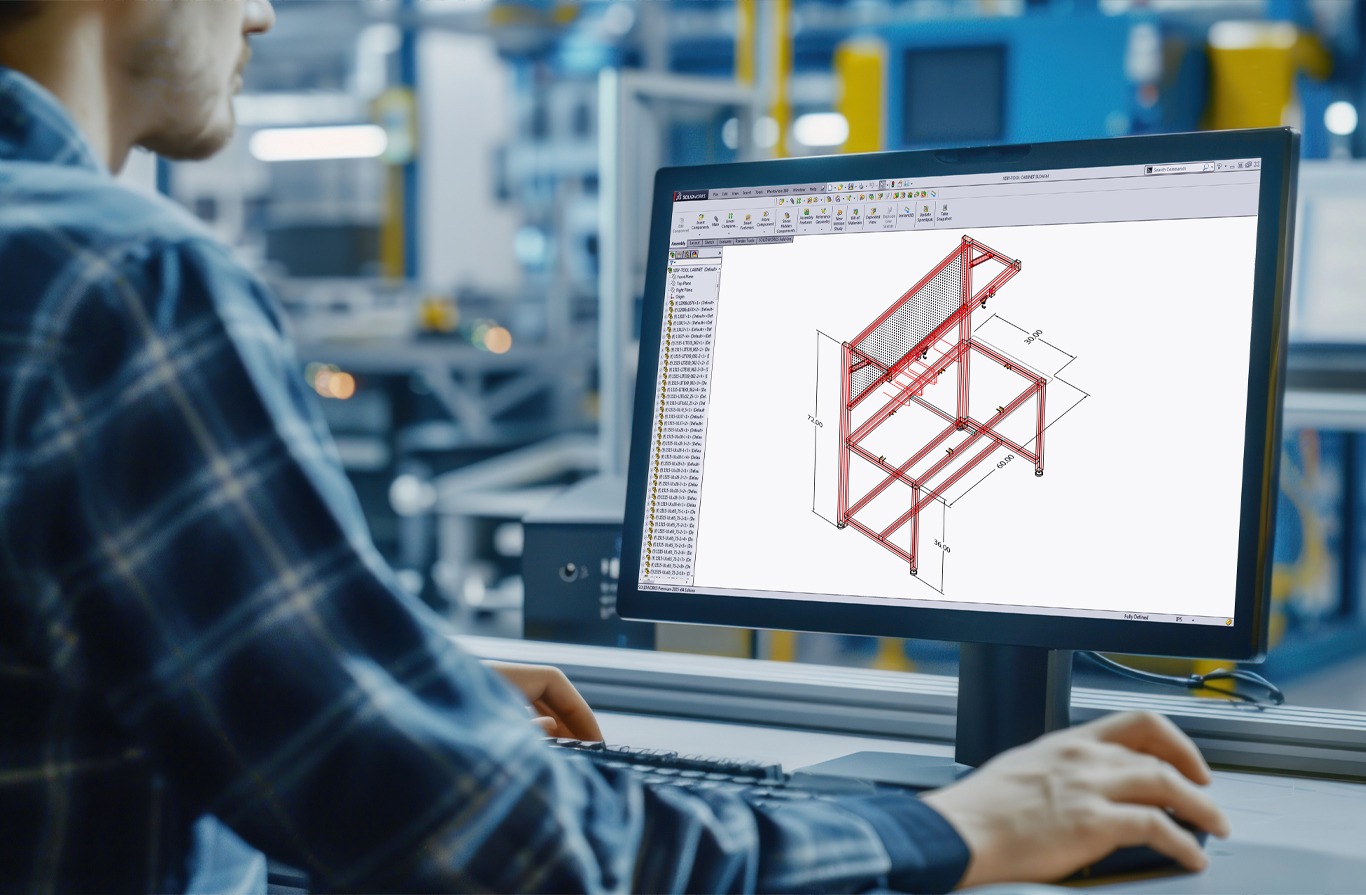
Acting as a universal language that unites builders, designers, and engineers, CAD (computer-aided design) platforms let construction teams use 2D and 3D models to visualize real objects, test materials, and simulate real-life scenarios before building ever begins.
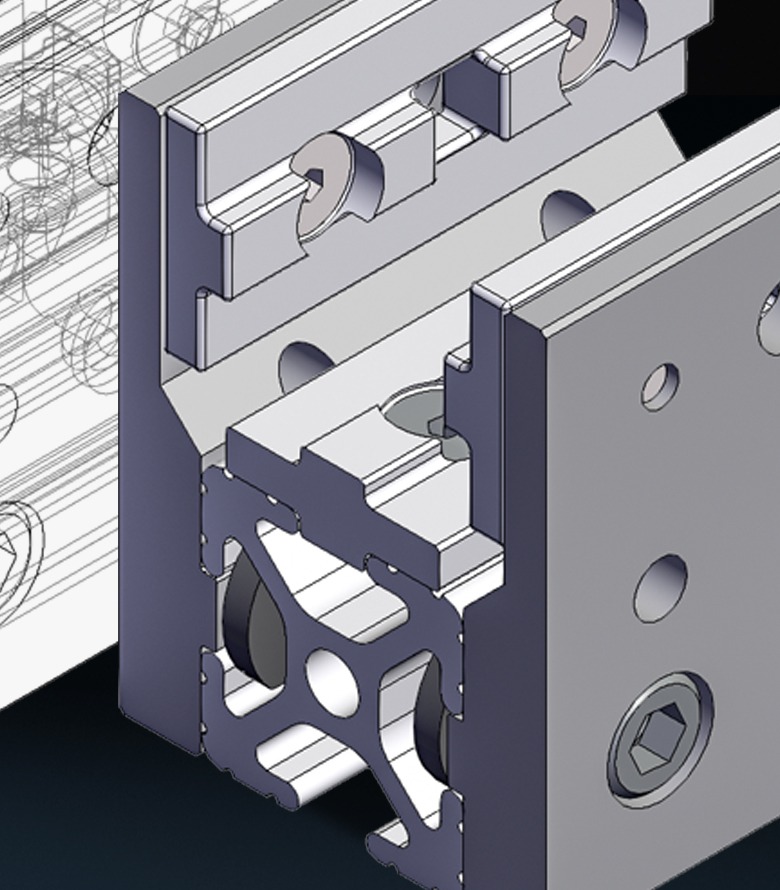
That’s why we created the 80/20 CAD File Library. It features 2D and 3D file types for 80/20 profiles, fasteners, and accessories to help you establish your own 80/20 T-slot CAD models. With so many experts already working in CAD every day, our pre-made CAD files extend their capabilities even further by allowing them to incorporate 80/20 products into their detailed, professional designs.
Free Access to CAD Files
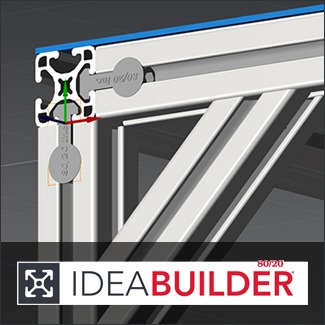
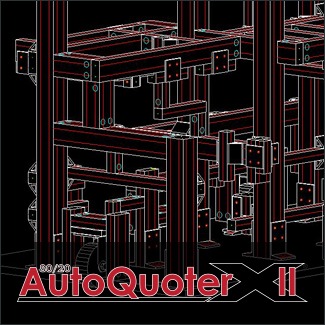
With free access to our CAD libraries and drawing files, it’s simple to integrate 80/20 products into new and existing designs. With a single download, you can access entire profile groups and thousands of products through these well-known platforms:

5 Benefits of Using 80/20 CAD Files
Preparing for your next design project? Here are five big benefits of using 80/20 CAD files in custom builds.
1. Enhance and Streamline Your T-Slot Design Process
When certain components or parts aren’t available in CAD libraries, you often have to model them from scratch to meet requirements as you design or refine projects. But this is a very manual approach that requires lots of time and effort to ensure precise and uniform measurements and details. (Plus, not everyone has the expertise to model components from the ground up.) Reverse engineering components in this manner also opens the door to issues like incompatibility, inaccurate measurements, integration problems, and performance flaws.
Whether you want to model a server rack, create a new museum installation, or simplify workstation design with 80/20 CAD files, your team can save valuable time and accelerate the design process. Using our 80/20 CAD File Library also eliminates the potential for mistakes that inadvertently compromise design.
2. Improve Collaboration Among Team Members
As builders, designers, and engineers work on projects together, CAD connects them to the same models so everyone works with the most up-to-date information and using the same standard components. Users can comment on or edit CAD designs so all team members are aligned on specifications and reference the same design models in their work.
For instance, consider a team that needs to design a modular conveyor system to move materials between robotic stations. By using 80/20 T-slot CAD models to virtually build the conveyor frame, team members can test different design possibilities and verify constructability before the frame is brought to life.
3. Seamlessly Integrate 80/20 Designs into Mission-Critical Initiatives
Sometimes the solutions being designed with T-slot profiles are part of a bigger project or initiative. In these cases, it’s important to understand how your creations fit in with broader goals and requirements.
For example, maybe your retail site is building new display systems as part of a brand refresh. Perhaps your office needs to create a series of adjustable workstations as part of an initiative to bring more employees onsite. Or your campus may be building a new facility that needs lab benches and equipment mounts that are easy to reconfigure to support a wide range of needs and collaborations.
When you simplify design with 80/20 CAD files, you can clearly see how your plans align with other project components and influence the bigger picture.
4. Give Stakeholders a Peek Behind the Curtain
Design possibilities can be almost endless when working with T-slot aluminum profile systems. To make sure your creations hit the mark, you may need to share design options with employees, end-users, clients, or other stakeholders.
In these situations, using accurate and detailed 80/20 T-slot CAD models helps everyone grasp what’s being built, how it will come together, and what the final product will look like.
You can modify dimensions, reposition parts, and swap components on the fly to help all parties understand the possibilities and evaluate the impact of each one. Alternative layouts can be compared side by side so differences can be visualized. This keeps design moving and reduces delays associated with back-and-forth reviews and approvals.
5. Build T-Slot Profile Systems Faster with Fewer Errors
The benefits of using 80/20 CAD files in custom builds go beyond design to support the construction process, too.
Using CAD gives builders a clear visualization of how 80/20 components like profiles, panels, and fasteners should connect, as well as the specific steps to follow for assembly.
Builders can trust the accuracy of design plans and follow those plans with confidence in knowing that what they built is correct. This enables them to build faster without worrying about misalignment or missing components.
Save Time with Pre-Designed 80/20 CAD Models
Our extensive libraries and free drawing files help your teams streamline workflows and save time with pre-designed 80/20 CAD models.
By giving you the tools you need to efficiently plan and optimize projects, the 80/20 CAD File Library makes it simple and straightforward to integrate 80/20 components directly into your new and existing designs.
Start using the 80/20 CAD File Library to simplify design and construction.