
5 Benefits of Using IdeaBuilder Design Software
5 Benefits of Using IdeaBuilder Design Software
When you build with T-slot aluminum framing or pipe and joint, the sky’s the limit. You can create workstations to furnish an office. Develop your own retail displays. Design custom doors for server rooms. Craft modular shelving for your warehouse. The list of possibilities knows no bounds. But before you commit to these ideas, wouldn’t it be nice to see how they’ll come together in real life?
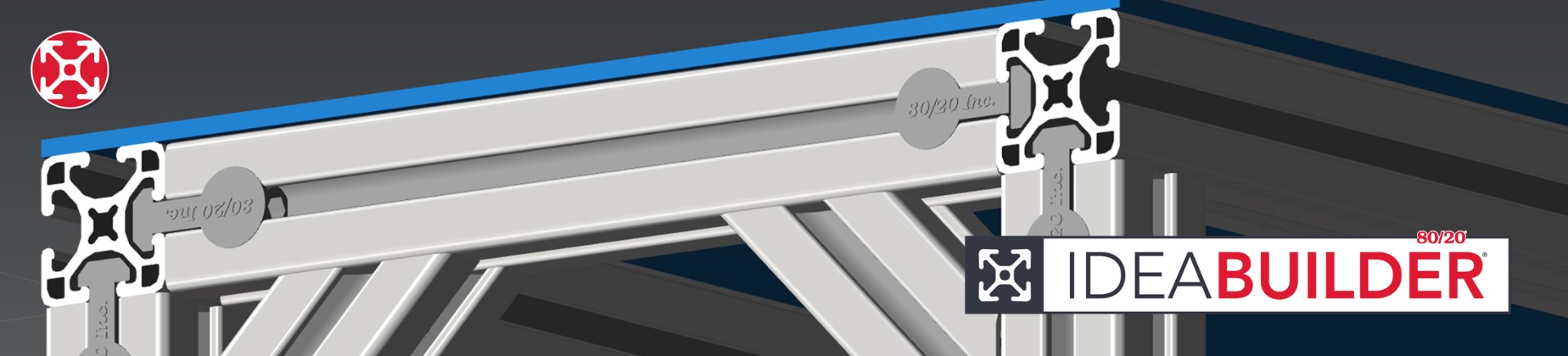
That's where 80/20's IdeaBuilder design software can help. It’s a free cloud-based design software for teams that want to experiment with design options before they order. With drag-and-drop and snap-to-grid features, the tool is extremely easy to use, even if you’ve never worked with design platforms before.
Design Your Solution within Minutes
Within minutes, you can learn to leverage the easy-to-use design software to develop conceptual designs and visualize:
-
How components will fit together for a stable build
-
Whether the dimensions and layout you envision will work in your space
-
If the configuration will support the equipment you plan to use
-
How well your design will accommodate changes in the future
-
Potential assembly challenges
-
Alternative configurations that could reduce costs or improve performance
1. Break Down Design Complexity
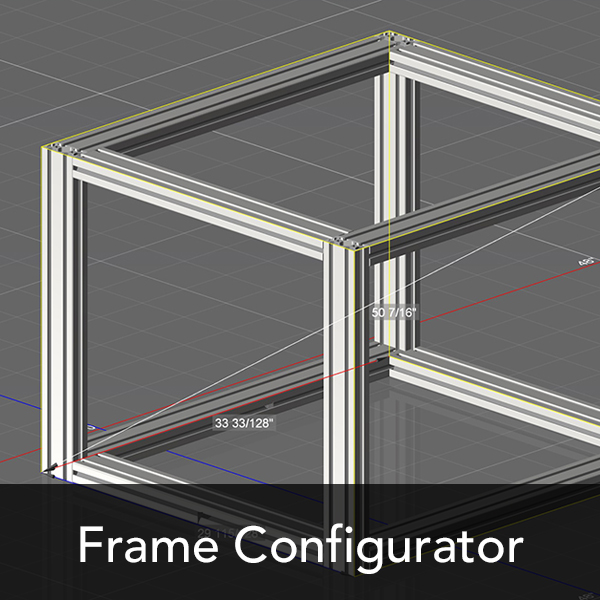
Quickly visualize, adjust, and refine your T-slot aluminum framing designs in real-time so you can see how they will come together using advanced 3D modeling with IdeaBuilder.
As you work, IdeaBuilder design software matches components like fasteners, profiles, and panels for you so you don’t have to guess, search catalogs, cross-reference parts, or worry about compatibility. You get to see how components fit together and ensure that the parts you select are compatible. New 80/20 products are automatically added to IdeaBuilder as soon as they are rolled out so they’re available to design with right away.
2. Get Designs Right the First Time
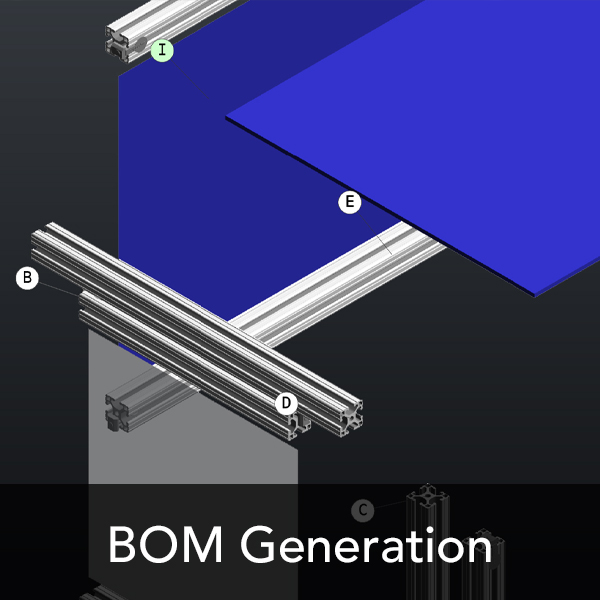
To minimize costly mistakes, this easy-to-use design software helps you discover and address potential design issues, such as weak points, misalignment, or poorly fitting parts, before assembly begins. Once your design is decided, the platform produces detailed, easy-to-follow assembly instructions that include exploded views and tagged drawings to identify individual components.
Advanced 3D modeling with IdeaBuilder creates an itemized bill of materials (BOM) for you so you don’t forget to order critical components, order the wrong product or unnecessary parts, or miscount quantities.

3. Accelerate Project Progress
Learning how to use IdeaBuilder for 3D product design makes it possible to create designs and troubleshoot issues quickly. The easy-to-use design software accelerates every step of the process. Layouts can be modified quickly with drag-and-drop features so you can compare configurations and see all your options without starting over every time. BOMs and costs sync with your designs and are generated automatically so you don’t have to manually calculate totals or track which products you need to order.
Because you can save designs and revisit them later, you can build a library of new ideas and current configurations. When your needs change, existing designs can be modified. You can also try adding or rearranging components without having to build your original design from scratch every time.
4. Easily Share Ideas
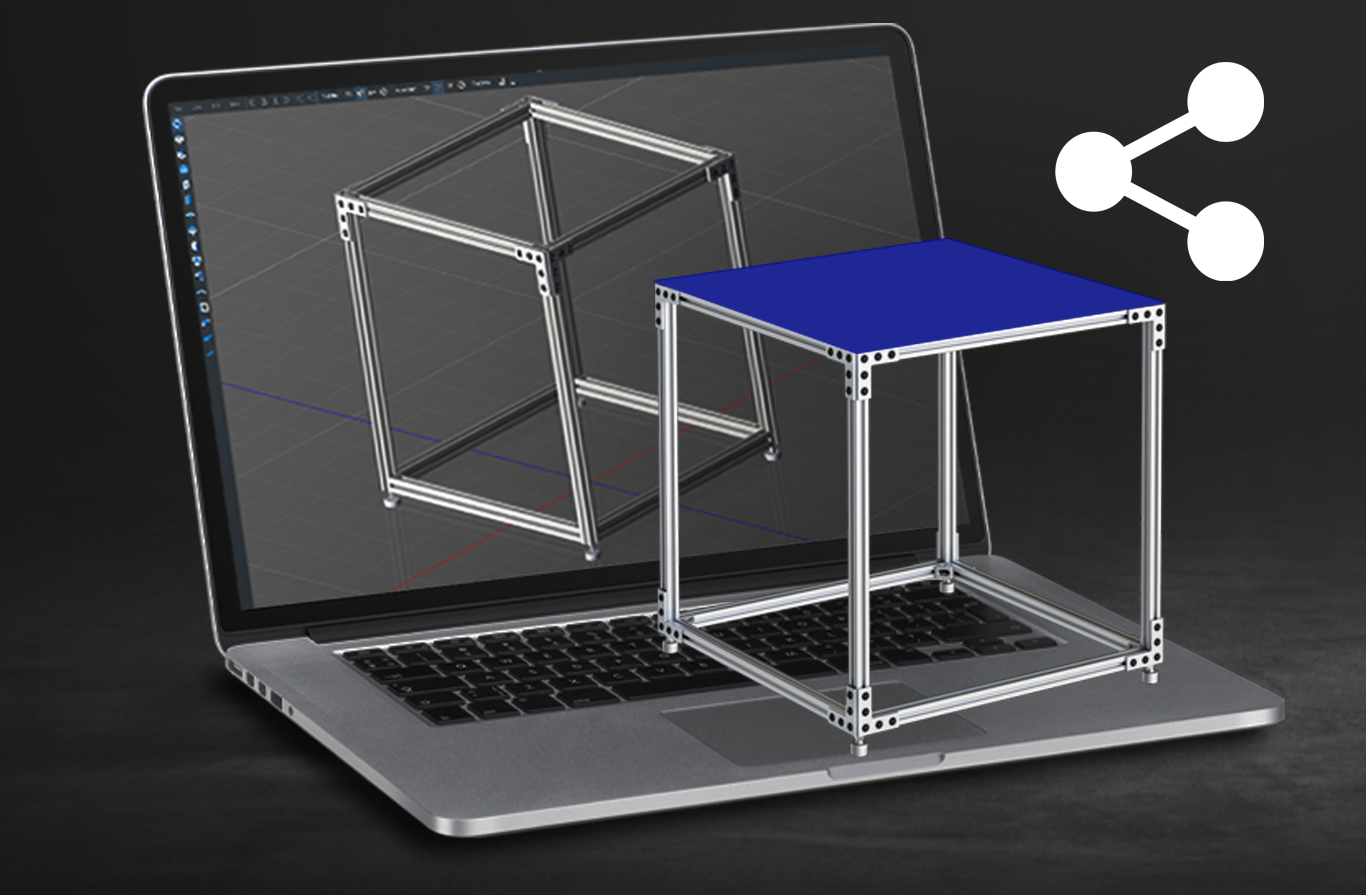
Saved designs can be exported and shared with team members, suppliers, and clients so they understand the design and assembly process, can discuss project details, and provide faster feedback.
The documentation created alongside your designs also makes it easier for teams to coordinate things like costs and purchasing, logistics, and plans for assembly. When everyone is analyzing the same version of the design, it also reduces confusion and miscommunication.
5. Keep Costs in Check
Based on your designs, this easy-to-use design software produces accurate cost estimates. When you make a change, it's reflected in real-time within IdeaBuilder so you can see right away how design changes impact your budget. Play with different configurations and materials to find the most cost-effective solution.
BOMs work the same way. As you experiment with your design, the BOM updates itself. When you’re ready to order, you know exactly what you need so you don’t over- or under-order. You can also export an XML file to purchase from an 80/20 distribution partner or online at 8020.net.
Easy-to-Use Design Software: Innovate with 80/20 Products
Advanced 3D modeling with IdeaBuilder helps you produce professional-grade designs with confidence and precision. But it’s more than a design tool: It also gives you all the information you need to order and assemble so you can make an informed choice about real-world builds.
If you’re curious about how to use IdeaBuilder for 3D product design, our technical experts created a series of IdeaBuilder tutorials, making the easy-to-use design software even more accessible. Quickly learn how to add corner brackets and joining plates, insert extrusions, and more.
Learn more about 80/20’s cloud-based design software for teams like yours.