


Related Products
-
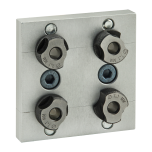 Part No. 40-6135$143.7740 Series Access Hole Drill Jig for 40-8080 Profile
 -
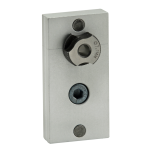 Part No. 40-6075$48.0240 Series Access Hole Drill Jig for 40-4040 Profile
 -
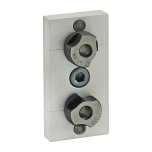 Part No. 40-6130$80.9840 Series Access Hole Drill Jig for 40-4080 Profile
My Wish Lists
()
40-6076
Replacement Bushing for 40 Series Access Hole Jig
Replacement Bushing for 40 Series Access Hole Jig
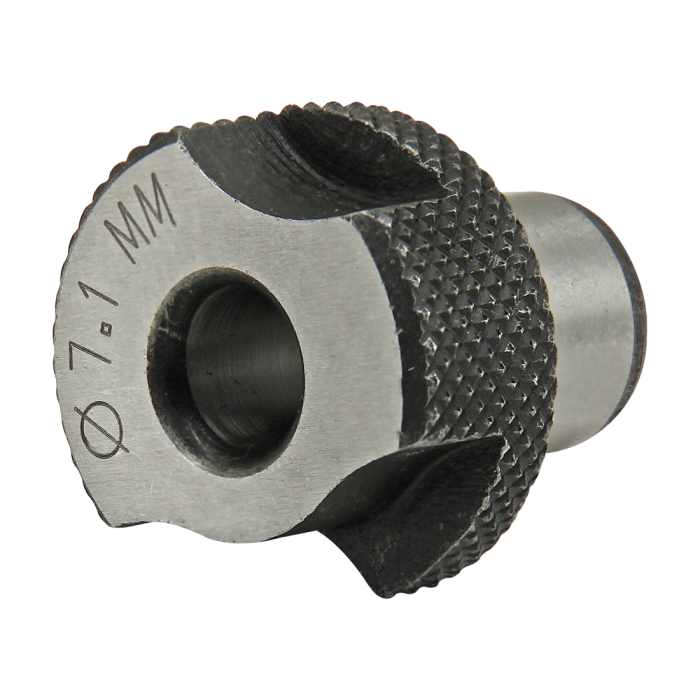
The 40-6076 Bushing is a replacement part designed for worn or damaged bushings in 40 Series Access Jigs (PN# 40-6075, PN# 40-6130, and PN# 40-6135). These jigs are used to create access holes in T-slot aluminum extrusion.
The 40-6076 Bushing is specifically designed for access jigs used with 40-4040, 40-4080, and 40-8080 profiles.
The 40-6076 Bushing is a replacement part designed for worn or damaged bushings in 40 Series Access Jigs (PN# 40-6075, PN# 40-6130, and PN# 40-6135). These jigs are used to create access holes in T-slot aluminum extrusion.
The 40-6076 Bushing is specifically designed for access jigs used with 40-4040, 40-4080, and 40-8080 profiles.
| ESD Safe | No |
| Series | 40 Series |
| Hole Size | .281” (7.1mm) |
| Weight | 0.059000 |
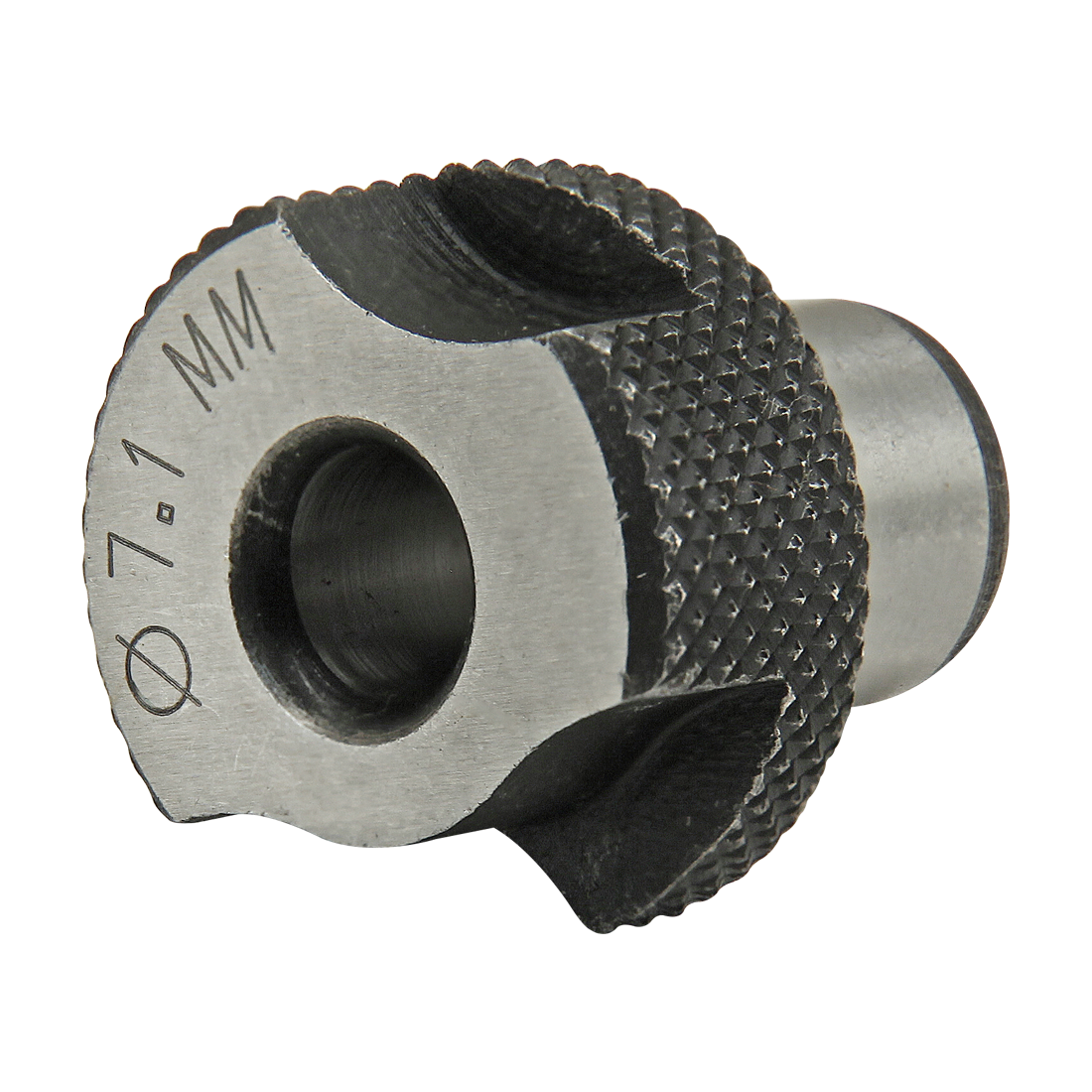
The 40-6076 Bushing is a replacement part designed for worn or damaged bushings in 40 Series Access Jigs (PN# 40-6075, PN# 40-6130, and PN# 40-6135). These jigs are used to create access holes in T-slot aluminum extrusion.
The 40-6076 Bushing is specifically designed for access jigs used with 40-4040, 40-4080, and 40-8080 profiles.
** In accordance with GDPR requirements, in order to download CAD files you will need to sign in to your PartCommunity account below, after clicking Generate. A partCommunity account is separate from your 80/20 account. If you do not have a PartCommunity account, you will need to create a free account.
Product Specs
- Product Details
-
ESD Safe No Series 40 Series Hole Size .281” (7.1mm) Weight 0.059000
-
- Description
The 40-6076 Bushing is a replacement part designed for worn or damaged bushings in 40 Series Access Jigs (PN# 40-6075, PN# 40-6130, and PN# 40-6135). These jigs are used to create access holes in T-slot aluminum extrusion.
The 40-6076 Bushing is specifically designed for access jigs used with 40-4040, 40-4080, and 40-8080 profiles.
-
CAD Files
-
** In accordance with GDPR requirements, in order to download CAD files you will need to sign in to your PartCommunity account below, after clicking Generate. A partCommunity account is separate from your 80/20 account. If you do not have a PartCommunity account, you will need to create a free account.
-