Toggle Nav

CAD Library

80/20 offers CAD libraries and free drawing files of all products to speed up your design process and simplify planning for your project. These resources also make it easy to integrate 80/20 components into your existing designs. Download CAD models directly for quick access to 80/20 products.
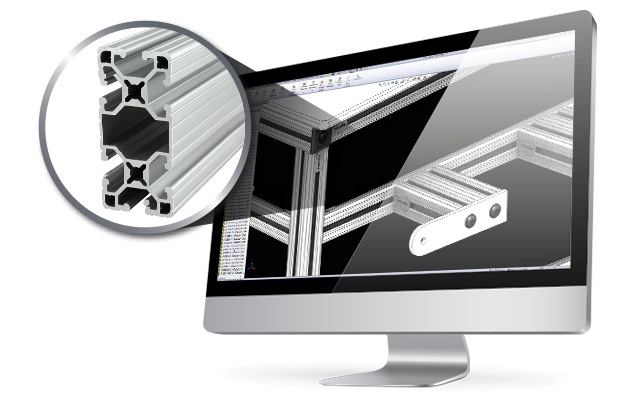
An 80/20 CAD design software tutorial, featuring a 3D isometric rendering of a modular T-slot aluminum frame assembly.An 80/20 CAD design software tutorial, featuring a 3D isometric rendering of a modular T-slot aluminum frame assembly.

Multiple Formats to Fit Your Needs

The white 3D ContentCentral logo by Dassault Systèmes on a solid blue background, used for accessing 80/20 T-slot aluminum CAD files.The white 3D ContentCentral logo by Dassault Systèmes on a solid blue background, used for accessing 80/20 T-slot aluminum CAD files.

80/20 has a long-standing partnership with 3D ContentCentral® to provide you with easy to find 2D and 3D file types for 80/20 profiles, fasteners and accessories.

The white 3Dfindit logo featuring an eye and speedometer graphic on a light blue background, used for finding 80/20 T-slot aluminum CAD files.The white 3Dfindit logo featuring an eye and speedometer graphic on a light blue background, used for finding 80/20 T-slot aluminum CAD files.

3Dfindit® (formerly Parts Solutions®) is a web-based CAD library accessible from our website, offering a convenient way to download design files for 80/20 profiles and components.

The CAD Direct logo featuring red and dark grey text with a yellow swooping arrow on a light grey background, used for accessing 80/20 T-slot aluminum CAD files.The CAD Direct logo featuring red and dark grey text with a yellow swooping arrow on a light grey background, used for accessing 80/20 T-slot aluminum CAD files.

CAD Direct offers a large library of 80/20 profiles and parts in popular formats, available as full profile groups or thousands of products in a single download.
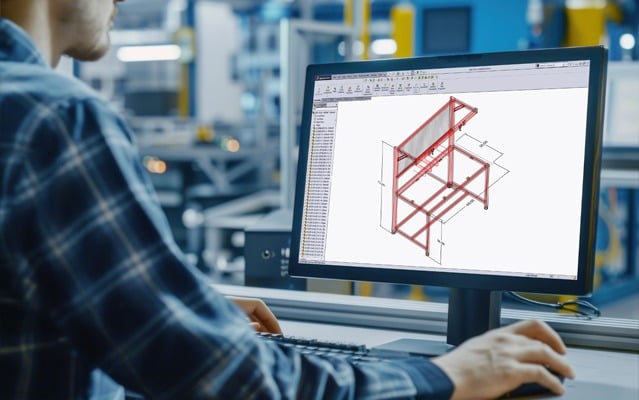
A desktop screen showing the IdeaBuilder software interface with the technical support and help menus visible for user assistance.A desktop screen showing the IdeaBuilder software interface with the technical support and help menus visible for user assistance.

Simplify Your Design - 80/20 CAD Files

Simplify your design process with 80/20 CAD files. This blog shows how ready-to-use 2D and 3D models save time, improve accuracy, and make it easy to integrate 80/20 components into any project—helping you move from concept to completion faster.

How-To Design

Learn to Design with 80/20

Explore the how-to design video series for tips and insights that simplify the build process. See how 80/20 products are used to create fully customized solutions tailored to your needs.

YouTube thumbnail for an 80/20 instructional video titled How to Design Panels, set against a background of various aluminum framing components.YouTube thumbnail for an 80/20 instructional video titled How to Design Panels, set against a background of various aluminum framing components.
Technical Support

Have a Design Question?

There's support at your fingertips. Contact an 80/20 design specialist with questions during your build process. 
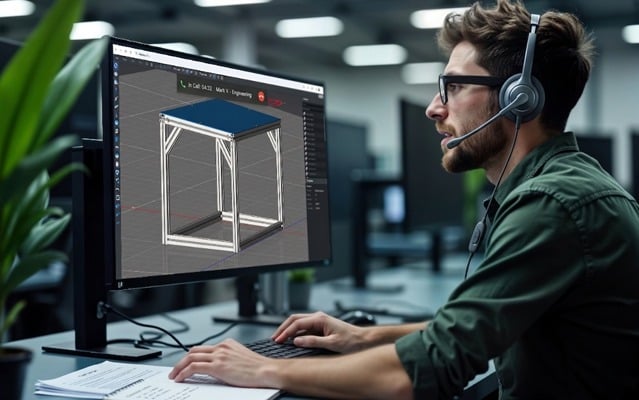
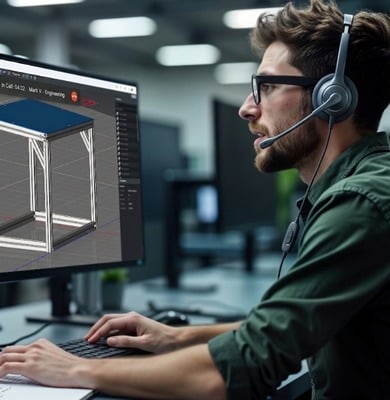
A man wearing a headset sits at a desk, looking at a computer monitor displaying a 3D T-slot aluminum frame design in the IdeaBuilder software interface.A man wearing a headset sits at a desk, looking at a computer monitor displaying a 3D T-slot aluminum frame design in the IdeaBuilder software interface.
Distributor Support

Need Support in Your Area?

Take advantage of 80/20 services through our network of distribution partners near you. Select from design assistance, on-site visits and ongoing support.


Local technical support sales representative shaking hands with a customer in an industrial warehouse settingLocal technical support sales representative shaking hands with a customer in an industrial warehouse setting